Data may be exported and downloaded from specific locations in the web application by users who have access to the location that provides the export.
Here is a list of spreadsheet (CSV and XLS) exports by space.

Planner
Portfolios
Projects
Reports

Organization Email Setting
Admins can control whether Members receive notification emails by enabling or disabling the Organization Notification Email setting on organization level.
Learn more about Organization settings > General

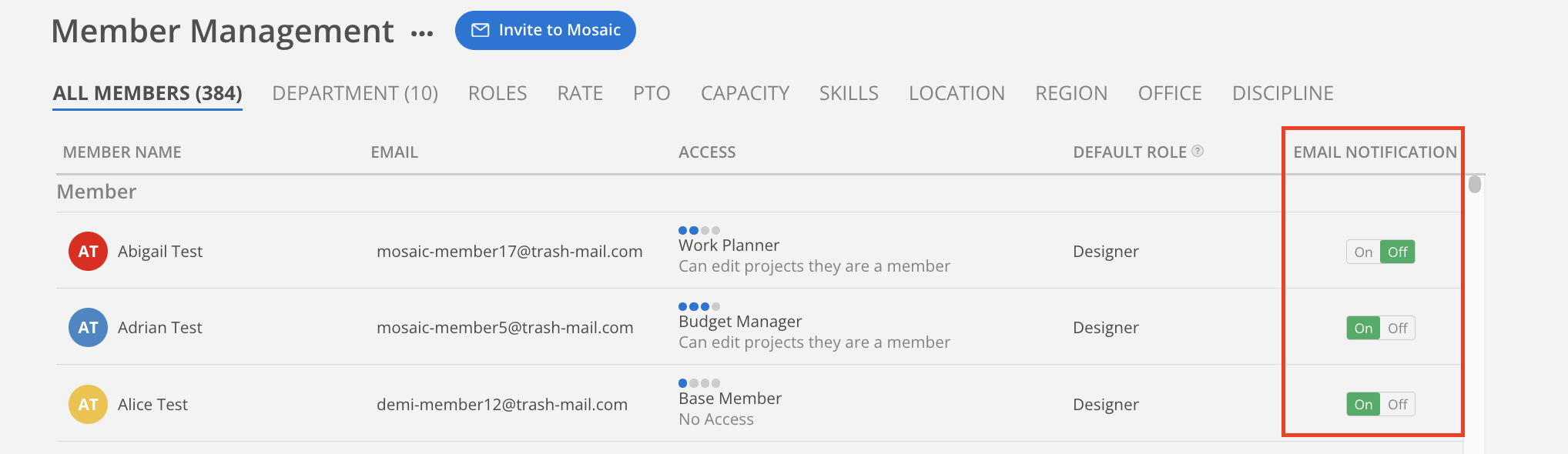
Admins can control whether Individual Member receives notification emails by enabling or disabling the Email Notification setting.
Learn more about Organization settings > Members
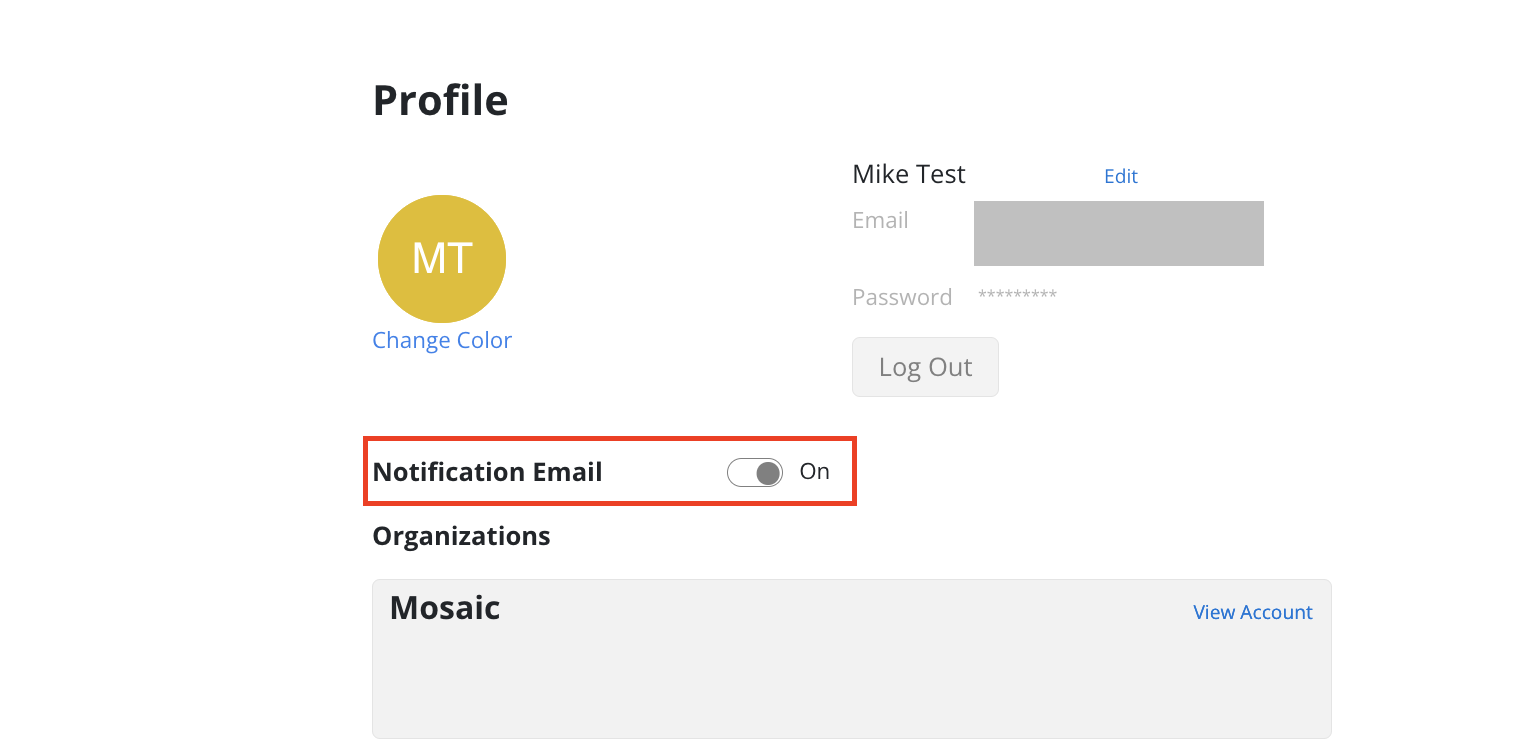
Individual Email Setting
This setting will match Organization settings > Members. Therefore the Admin can override this setting.
Here is a list of PDF exports by space.
Reports
Backlog Report
Budget Variance Report
Profit Report
Role Demand Report
Schedule Variance Report
Spent Time Report
Time Projection Report
Time Variance Report
