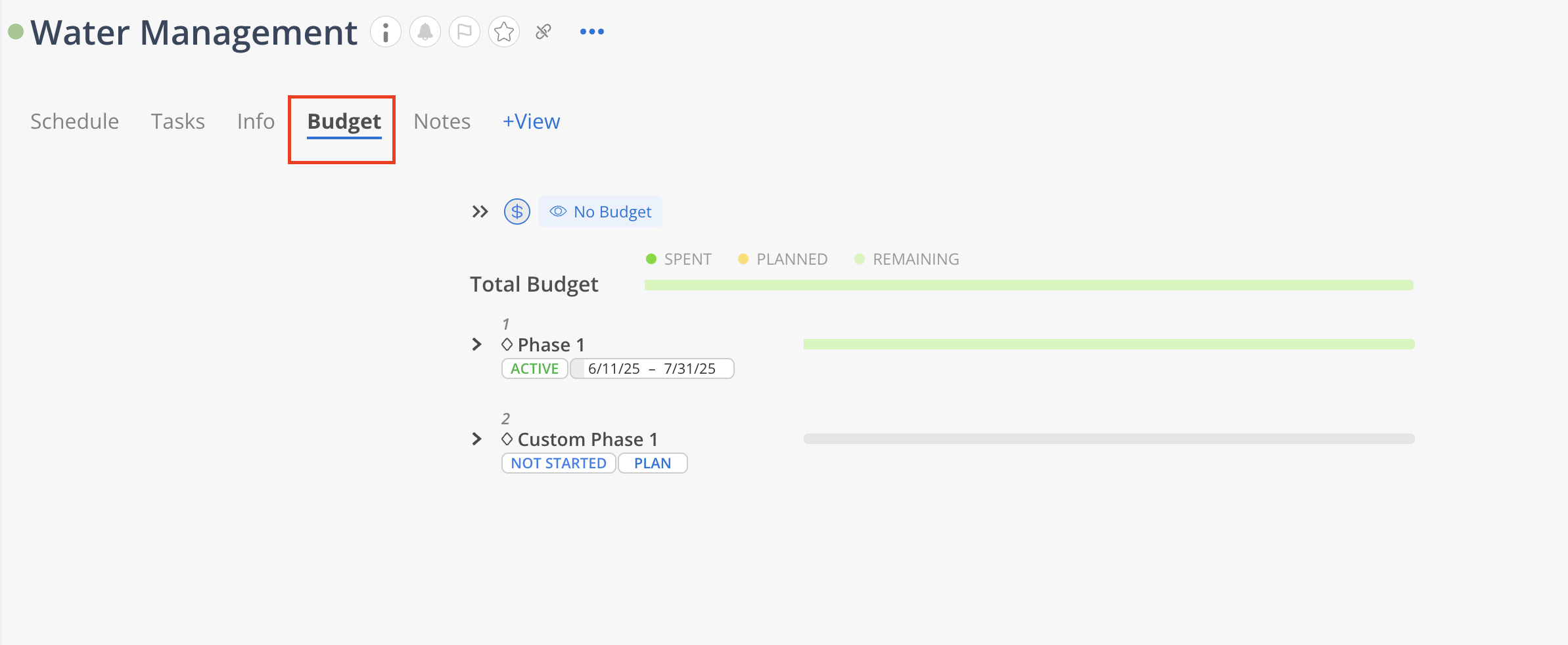
Budget tab of the Project offers a clear, phase-by-phase breakdown of budget allocation, tracking, and status. Each Phase displays its current state (e.g., Active, Completed, Not Started), duration, and a color-coded bar showing the percentage of Spent, Planned, and Remaining budget.
The Total Budget at the top aggregates these values, highlighting overall financial performance. A red indicator warns of overspending, as reflected by the current 114% usage. This view enables efficient monitoring and proactive management of budget allocation across all Phases.
If the Budget tab is not visible, click + View button to show it.

Learn more about customize views
Learn more about default Project views
If you are a Budget Manager or Admin you can click Edit Budget to edit/view the detail project budget.
Learn more about Project Budget