Notes is where you can enter detailed project information important for your team. If the Notes tab is not visible, click + View button to show it.

Learn more about customize views
Learn more about default Project views
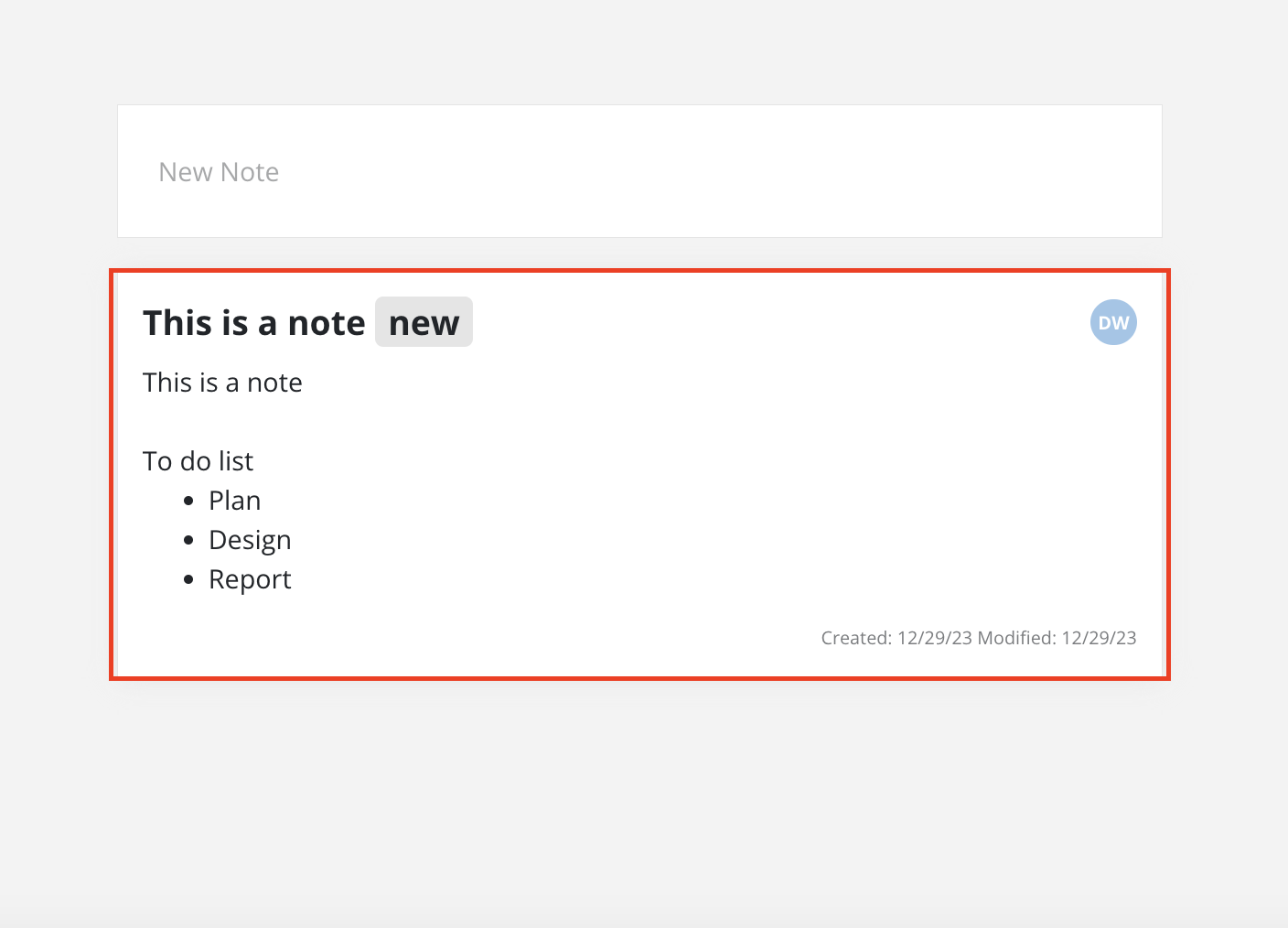
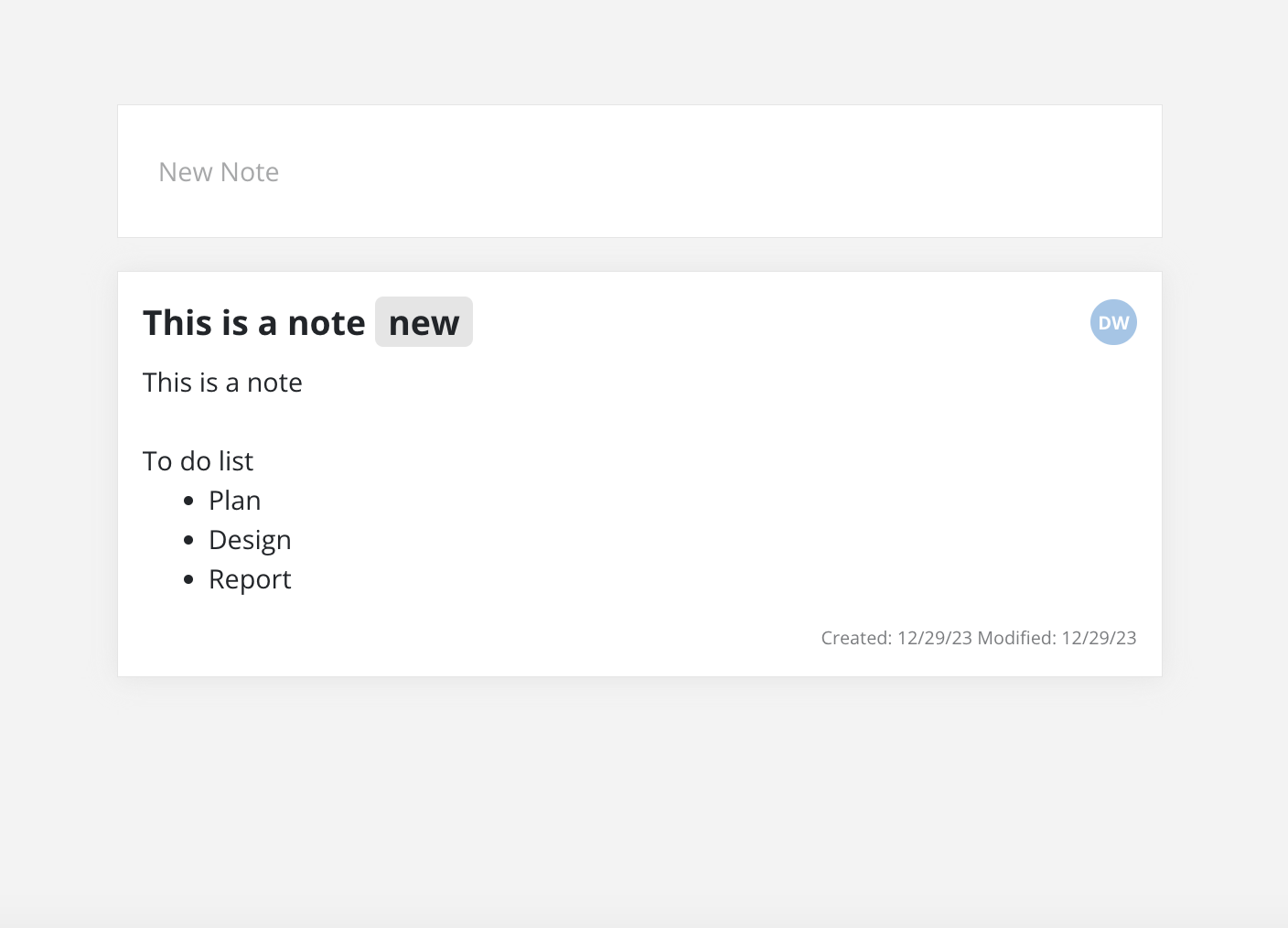
To view the complete note, just click on the note to open it.
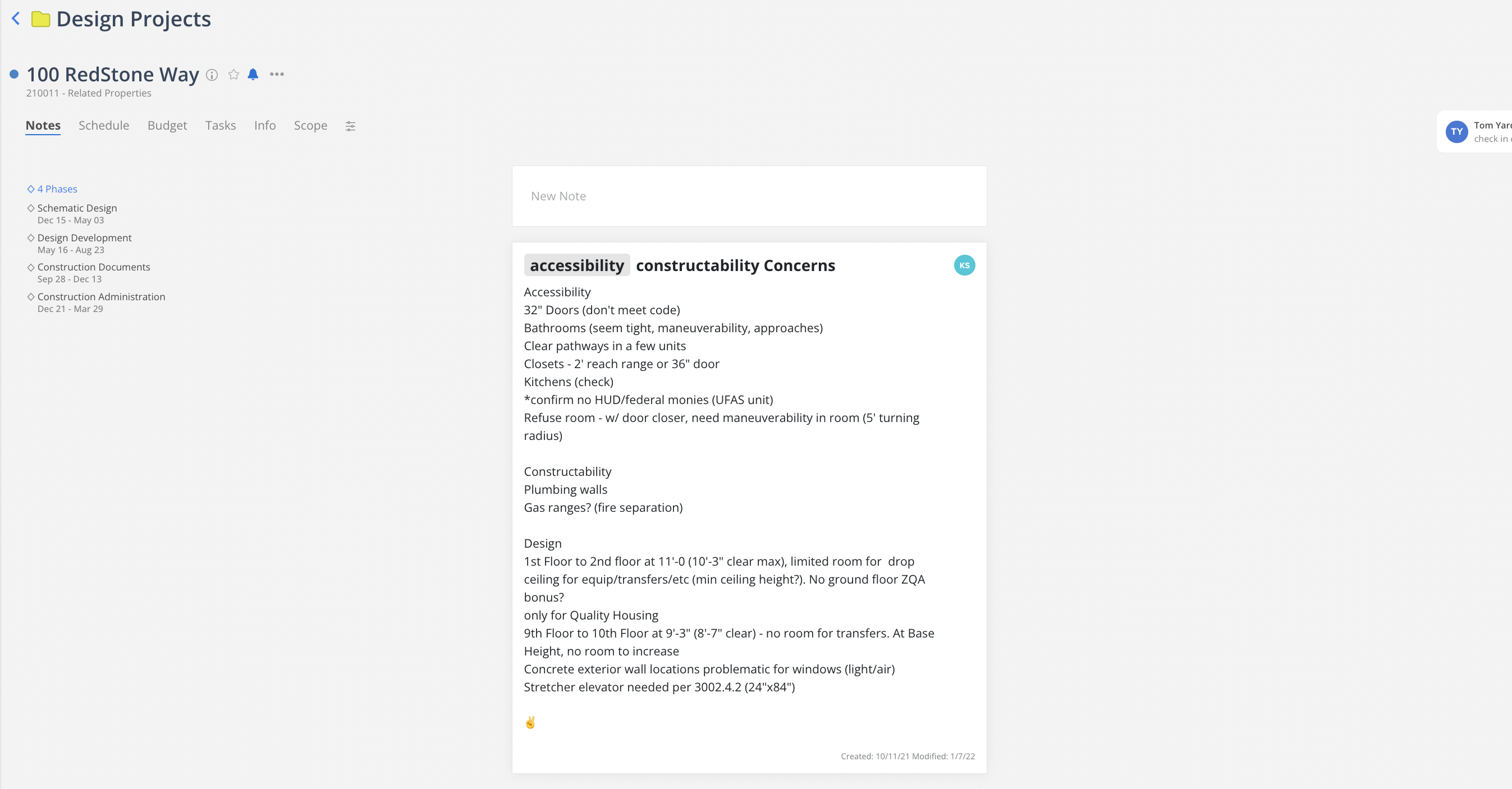
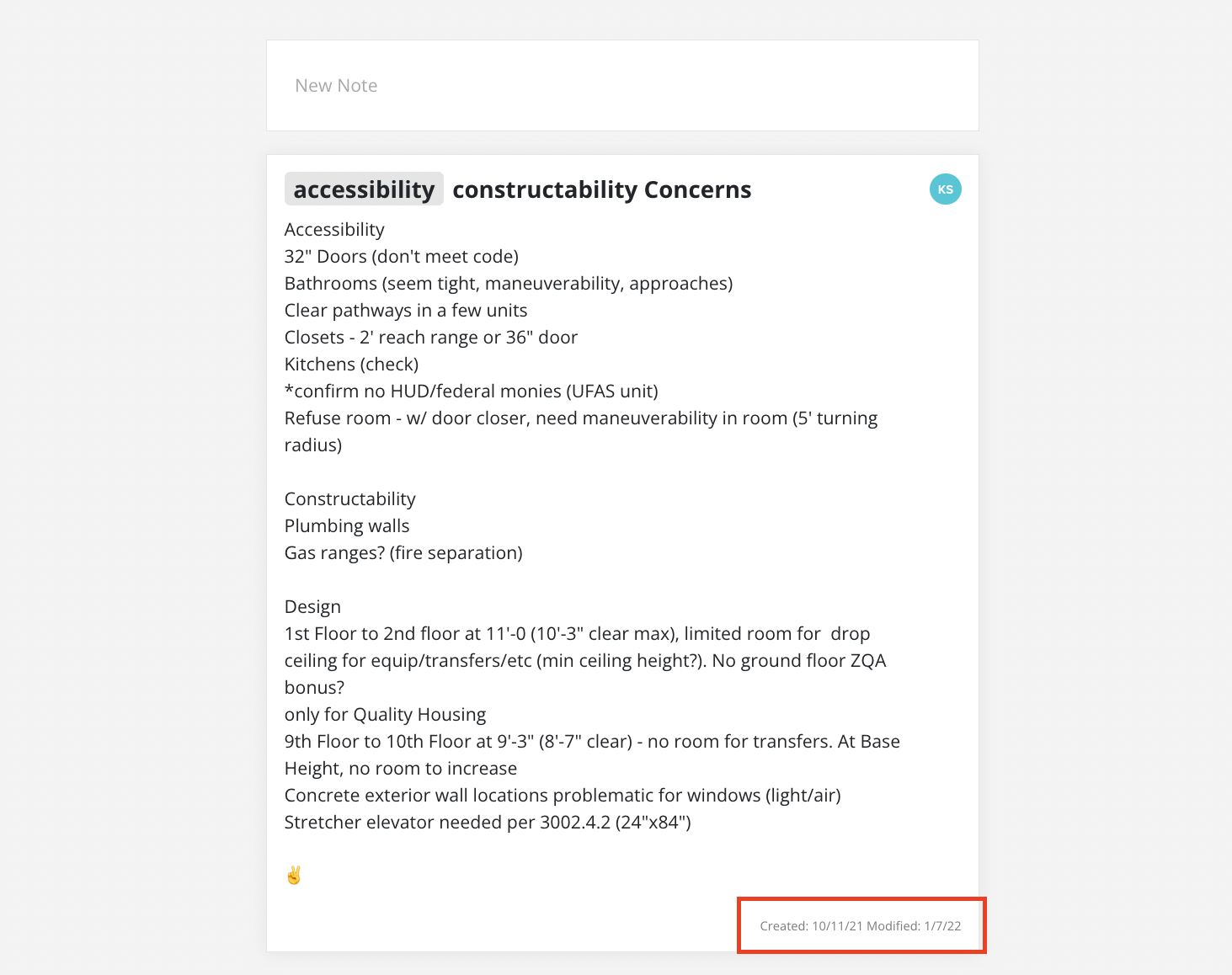
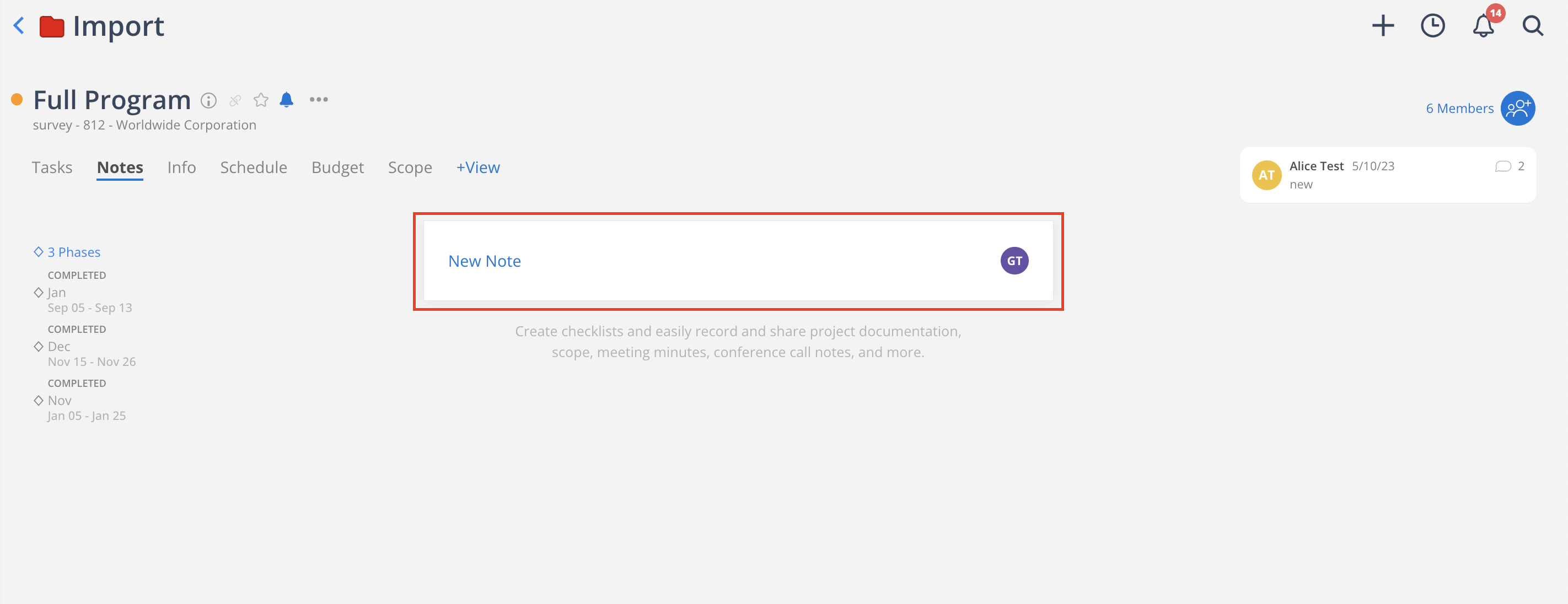
Click New Note
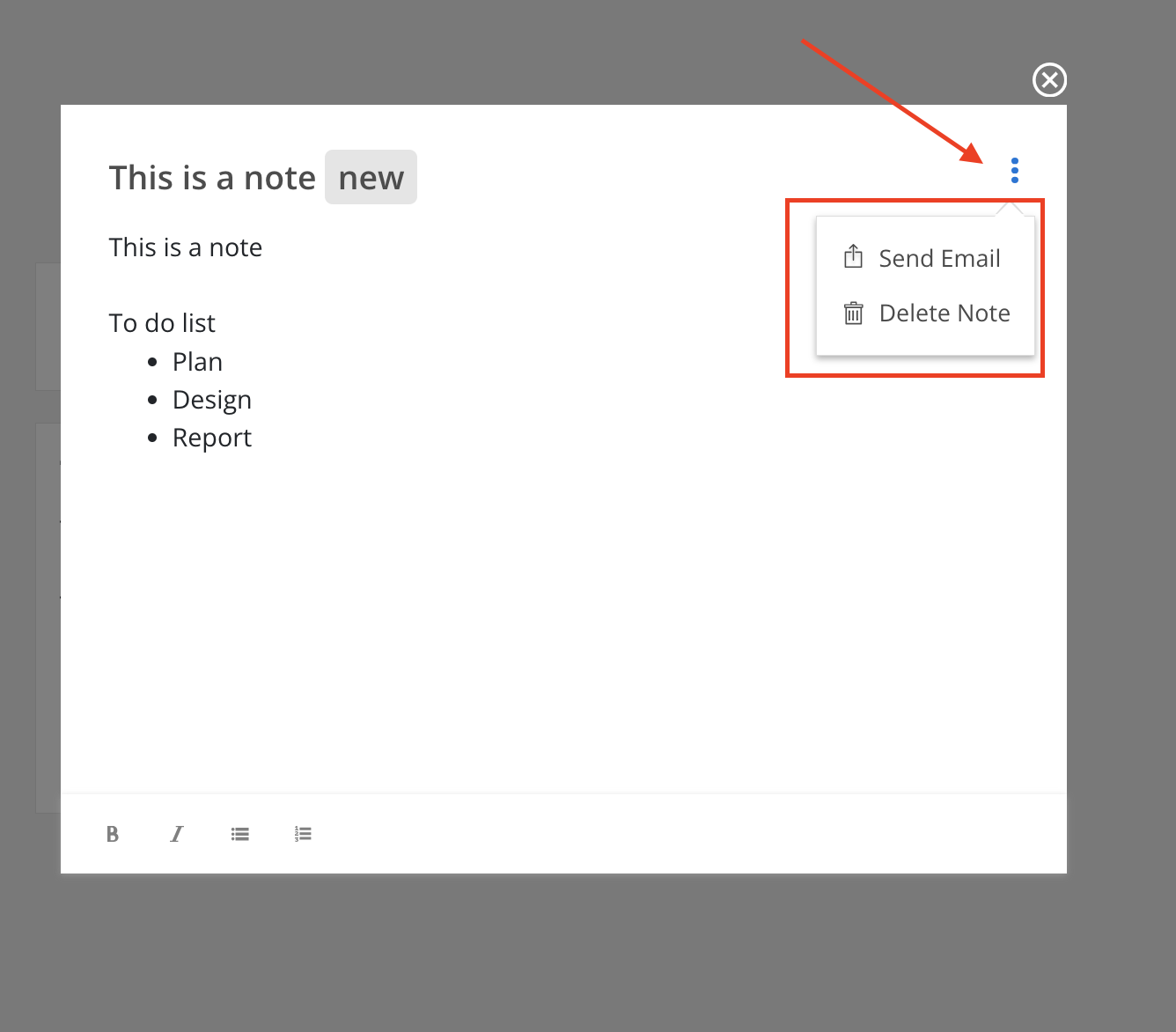
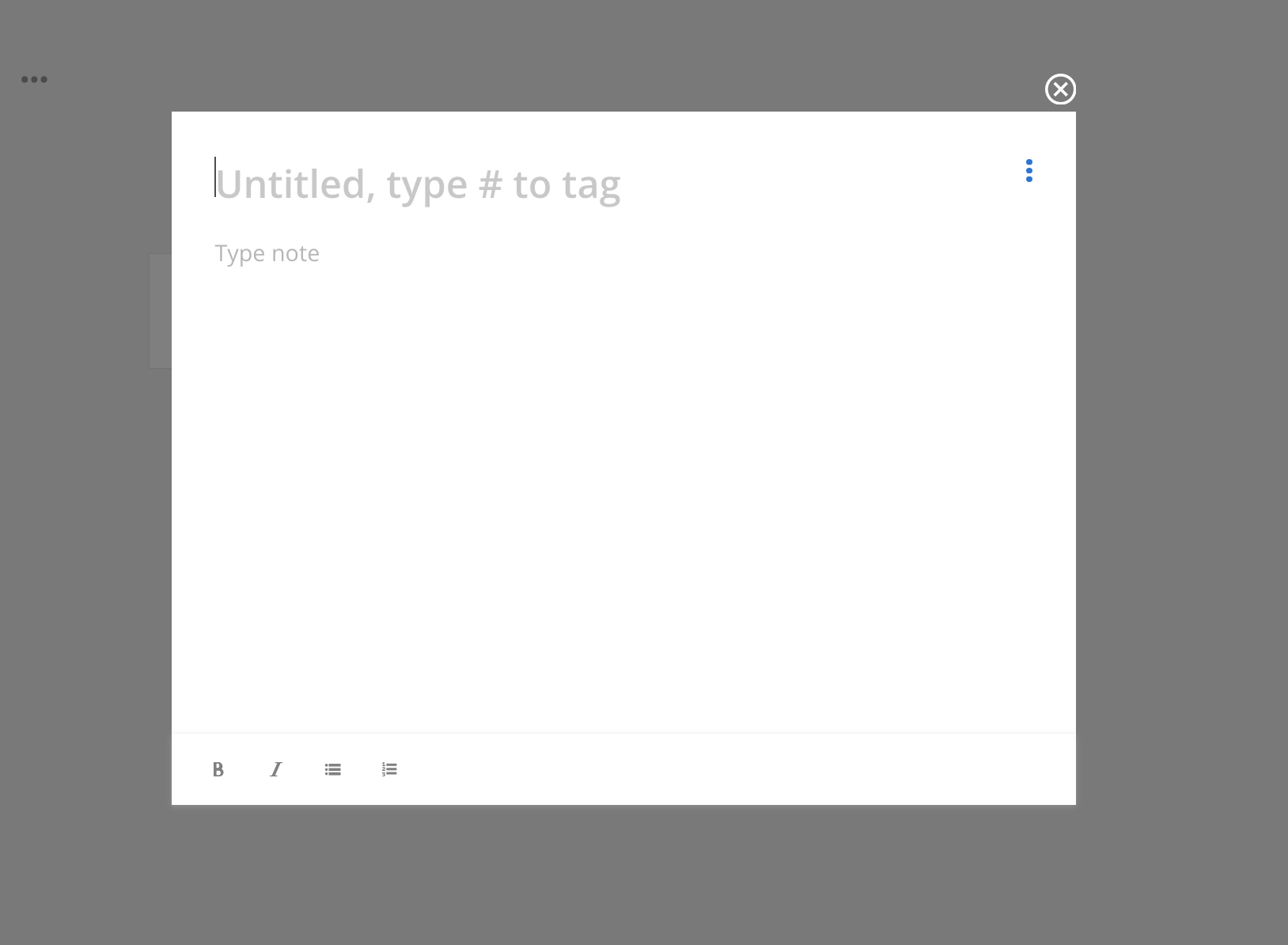
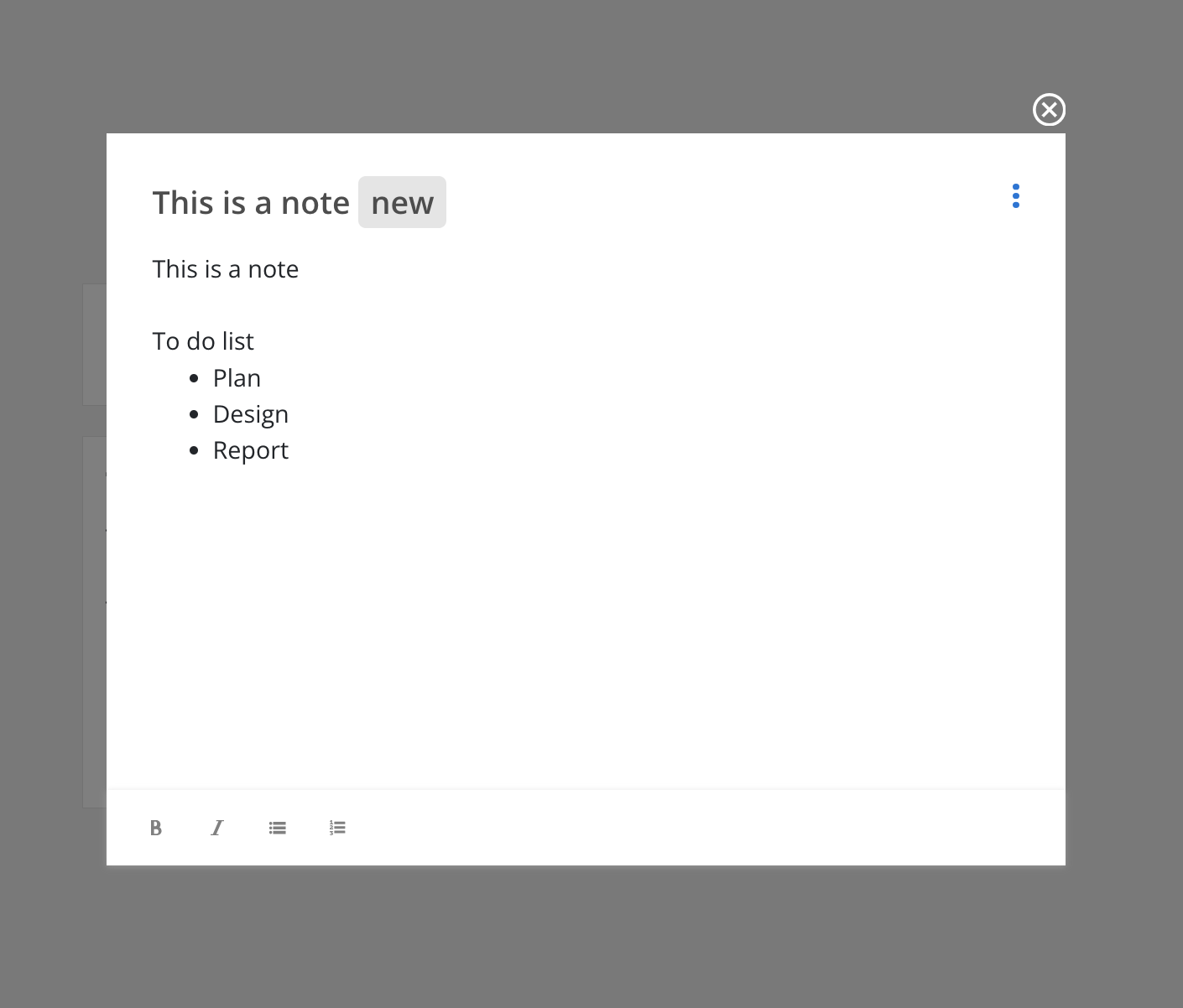
Enter your note title and note content. You can add a tag to the note by typing #. There are some basic text formatting tools at the bottom:
Bold (B): This option allows you to make selected text bold for emphasis.
Italic (I): This option enables you to italicize selected text, typically used for emphasis or to denote titles.
Bullet List: This tool creates a bulleted list, useful for listing items or points in a non-sequential manner.
Numbered List: This tool creates a numbered list, ideal for ordered or sequential tasks or items.
These tools help in formatting your notes for clarity and organization.
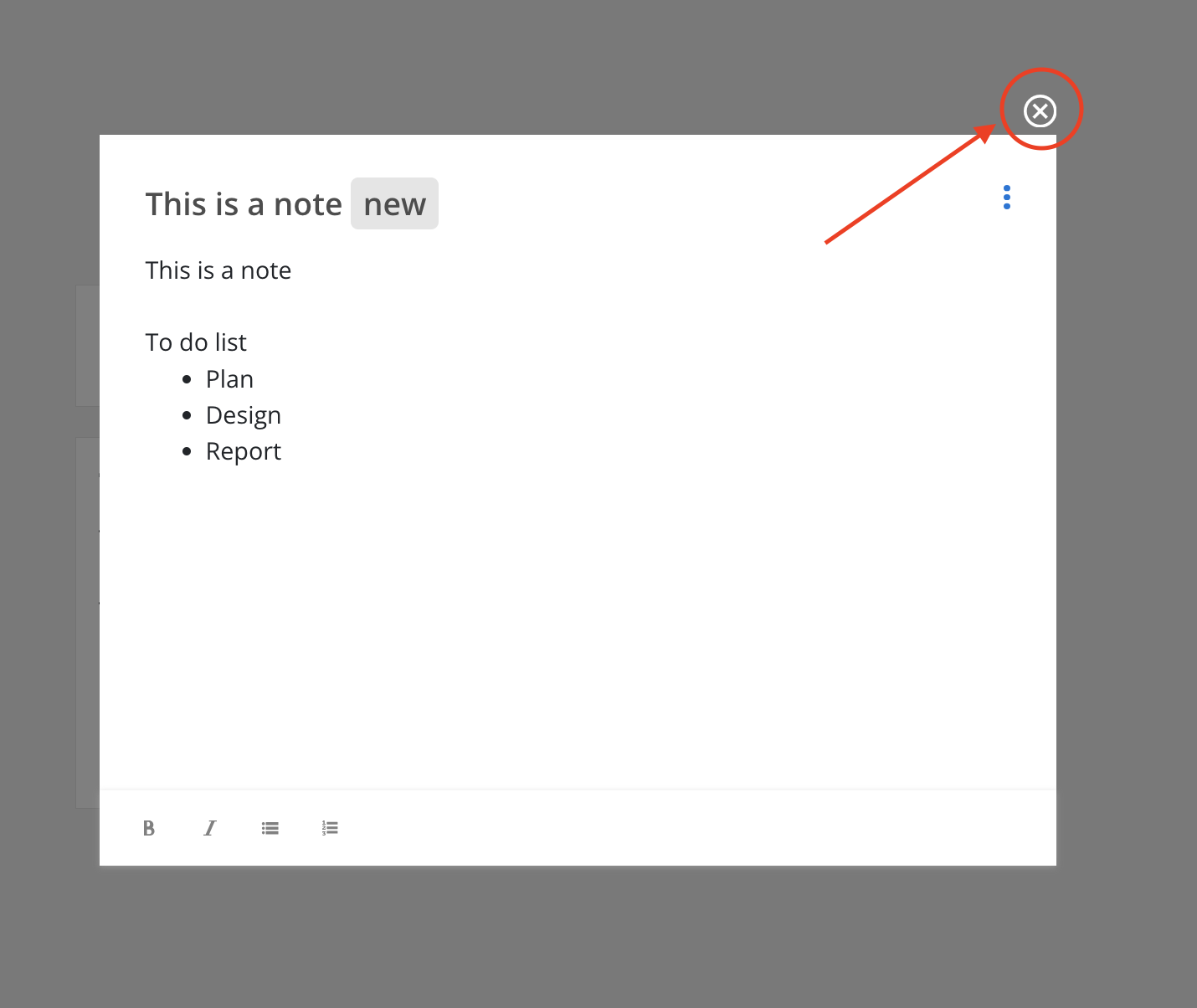
Click the note to open.
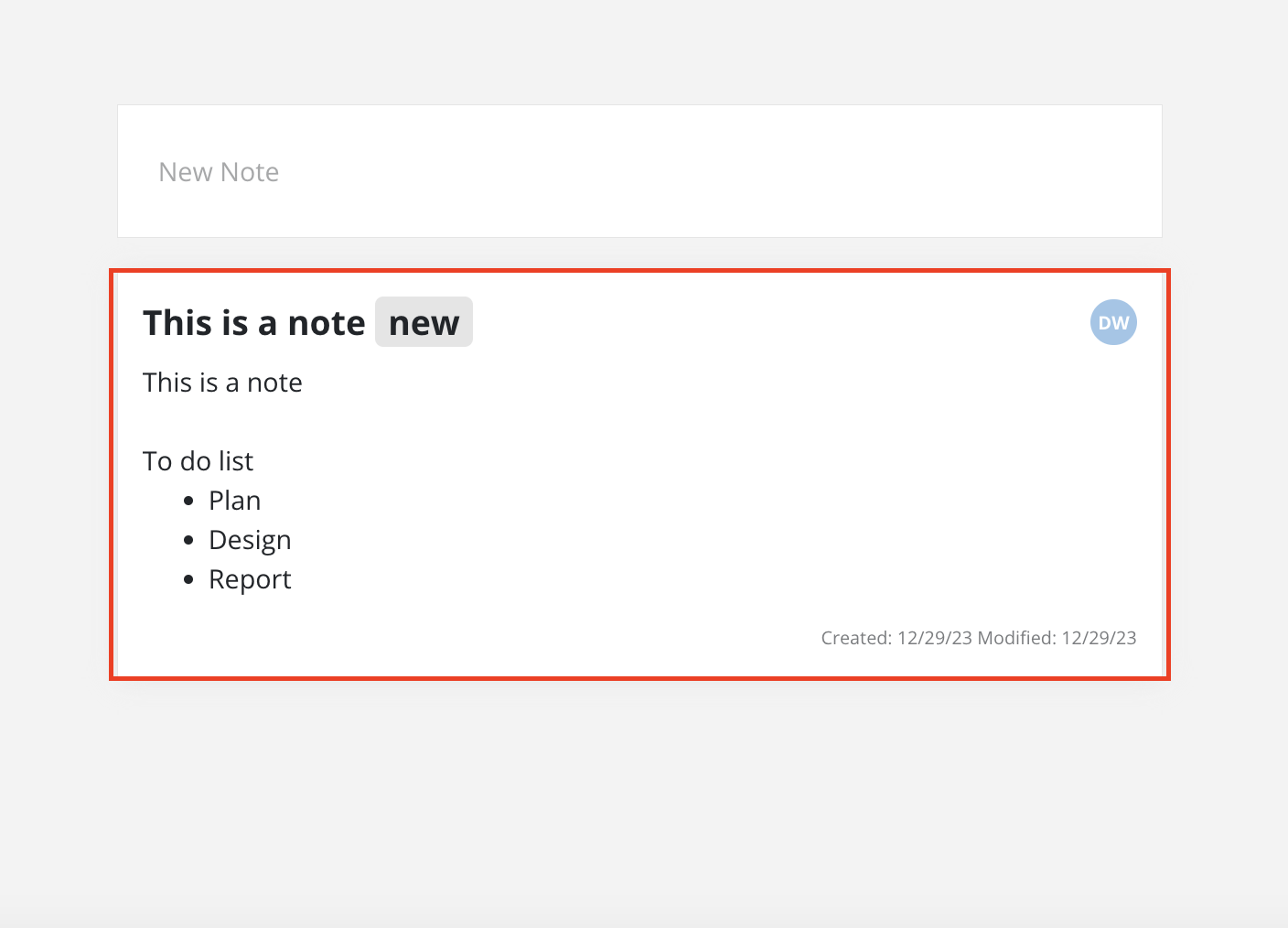
Click the note to open.