It is the best place to understand how work is tracking financially as a project moves forward. Instead of waiting until the end of a phase or project to identify risk, you can use Budget to spot overruns early, adjust plans, and make better staffing and planning decisions while there is still time to act.
Budget also connects closely with Planner, Workload, and reporting, so the updates you make here support broader planning and forecasting across Mosaic.
This is the best place to go when you want to answer questions like:
Are we on track, under budget, or over budget?
How much of the budget has already been used?
How are our plans impacting the project financially?
Which phase or team member is driving budget risk?
How can I improve how we plan work over time?
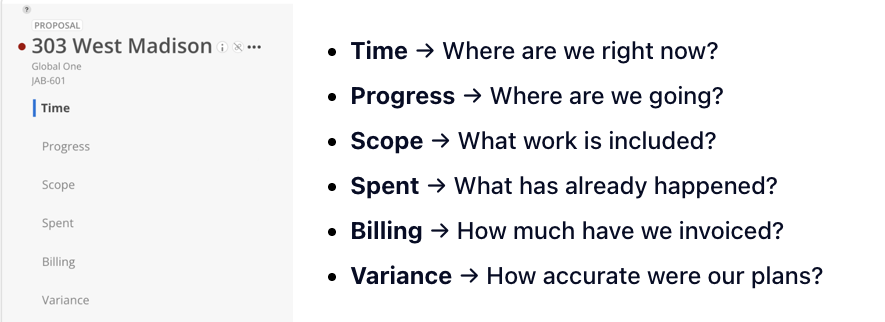
The Budget space is organized into tabs that each give you a different view of your project:
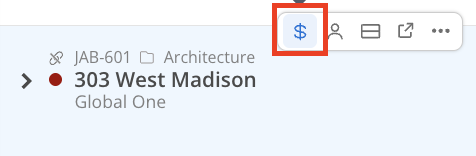
There are two common ways to open the Budget space.
Use the dollar sign icon to jump directly into Budget.
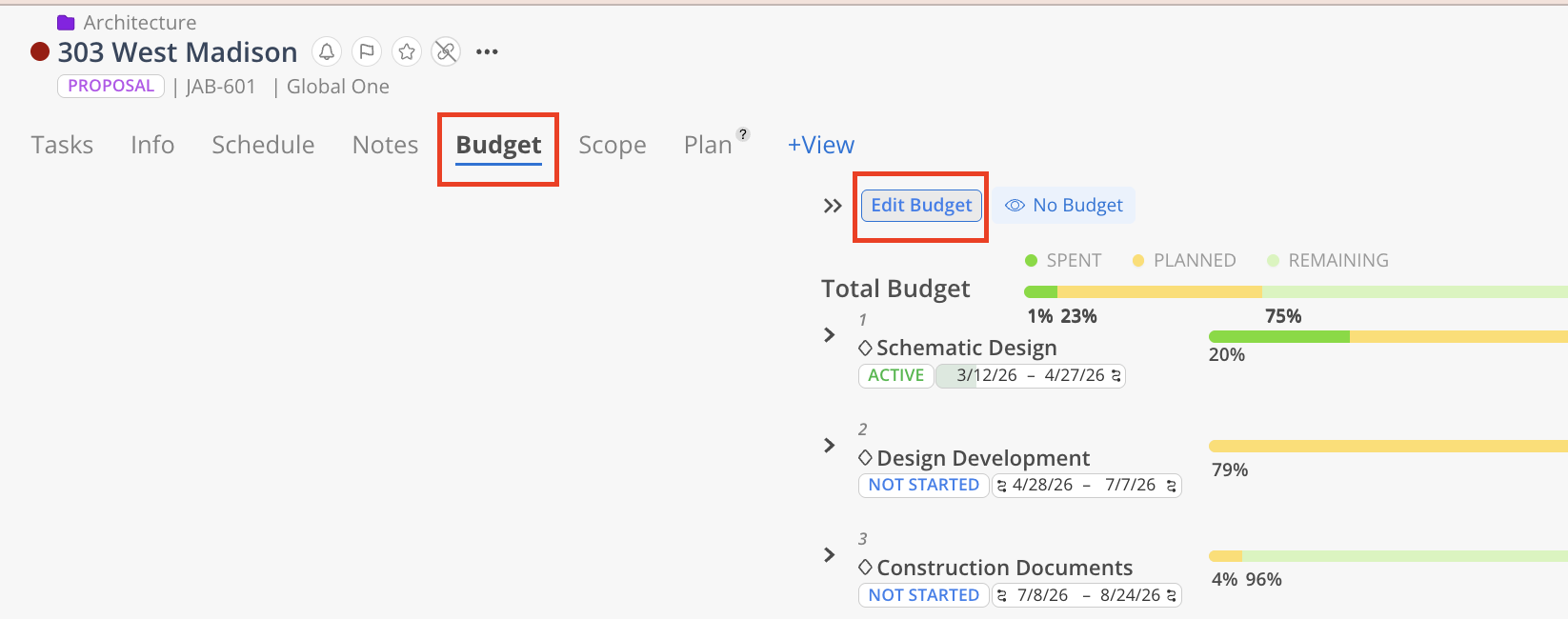
Start in the Project or Portfolio space and open the project you want to review. Add the Budget tab if it is not already visible, then open it to review the project’s budget overview.
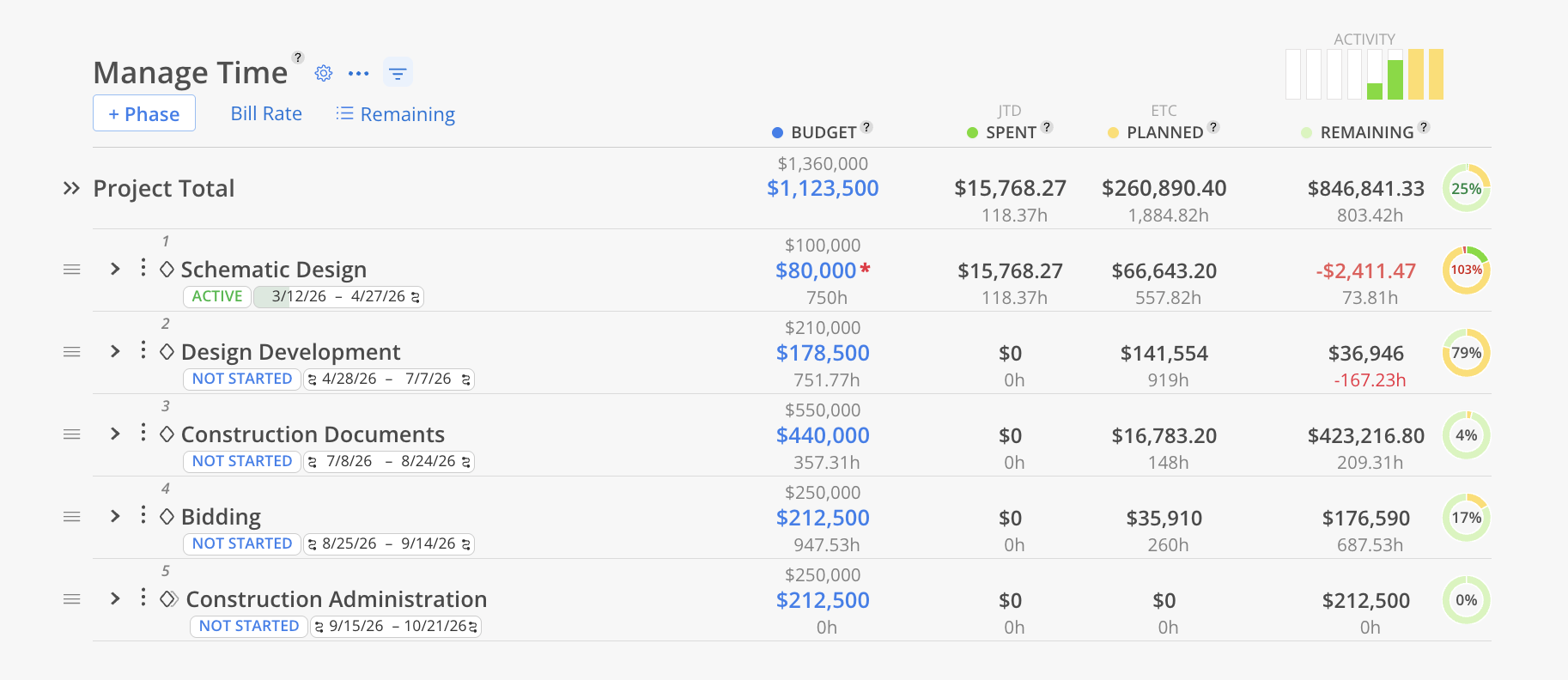
Your primary working view.
Shows budget, spent, planned, and remaining
Used for planning and managing budgets daily
👉 Learn more about Time
Your forward-looking view.
Shows how your project is trending over time
Helps you understand when you’ll hit budget
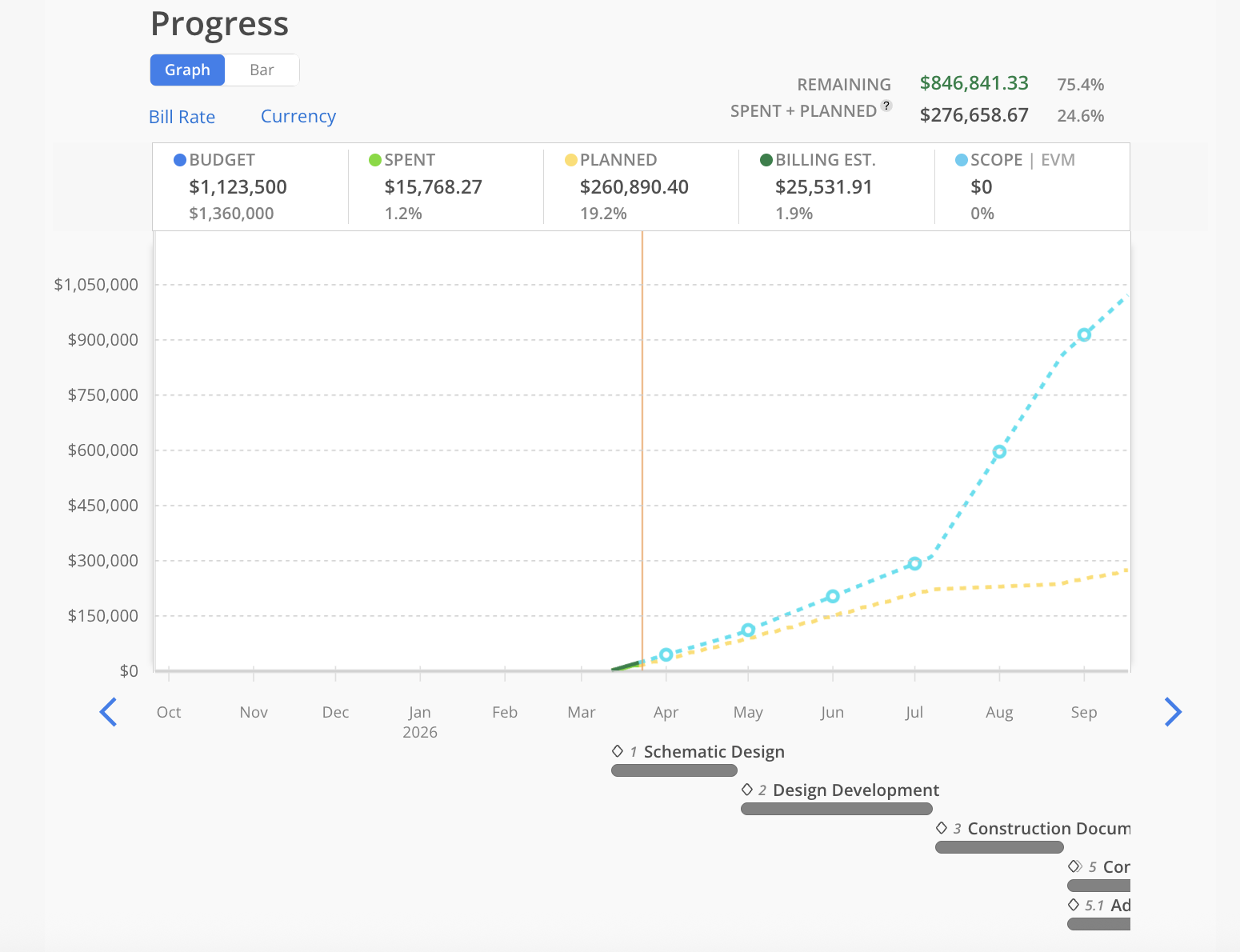
👉 Learn more about Progress
Detailed breakdown of work.
Track deliverables within phases
Assign budget at a more granular level
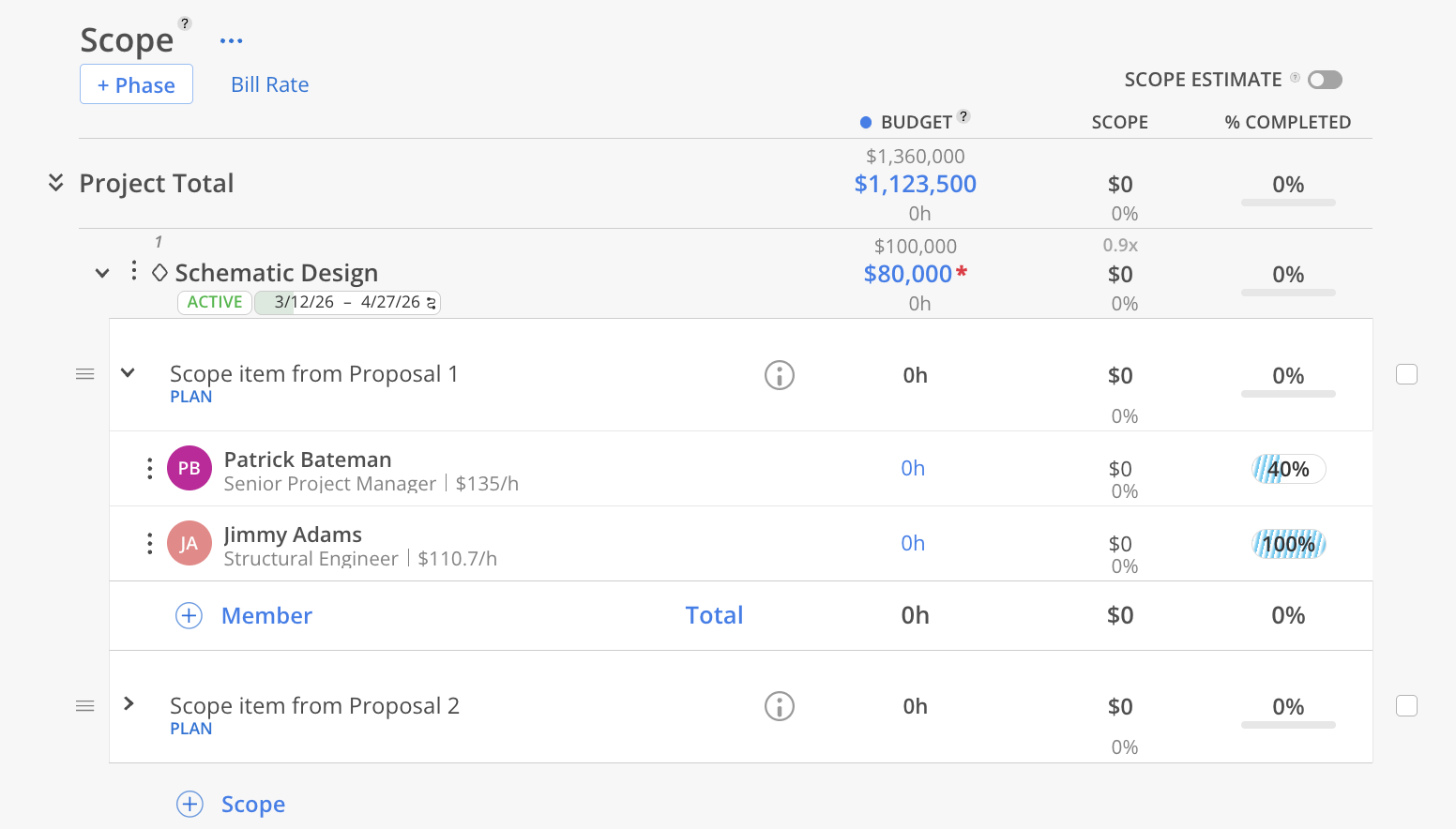
👉 Learn more about Scope
Your historical view of time.
Shows all time entries logged
Helps validate completed work
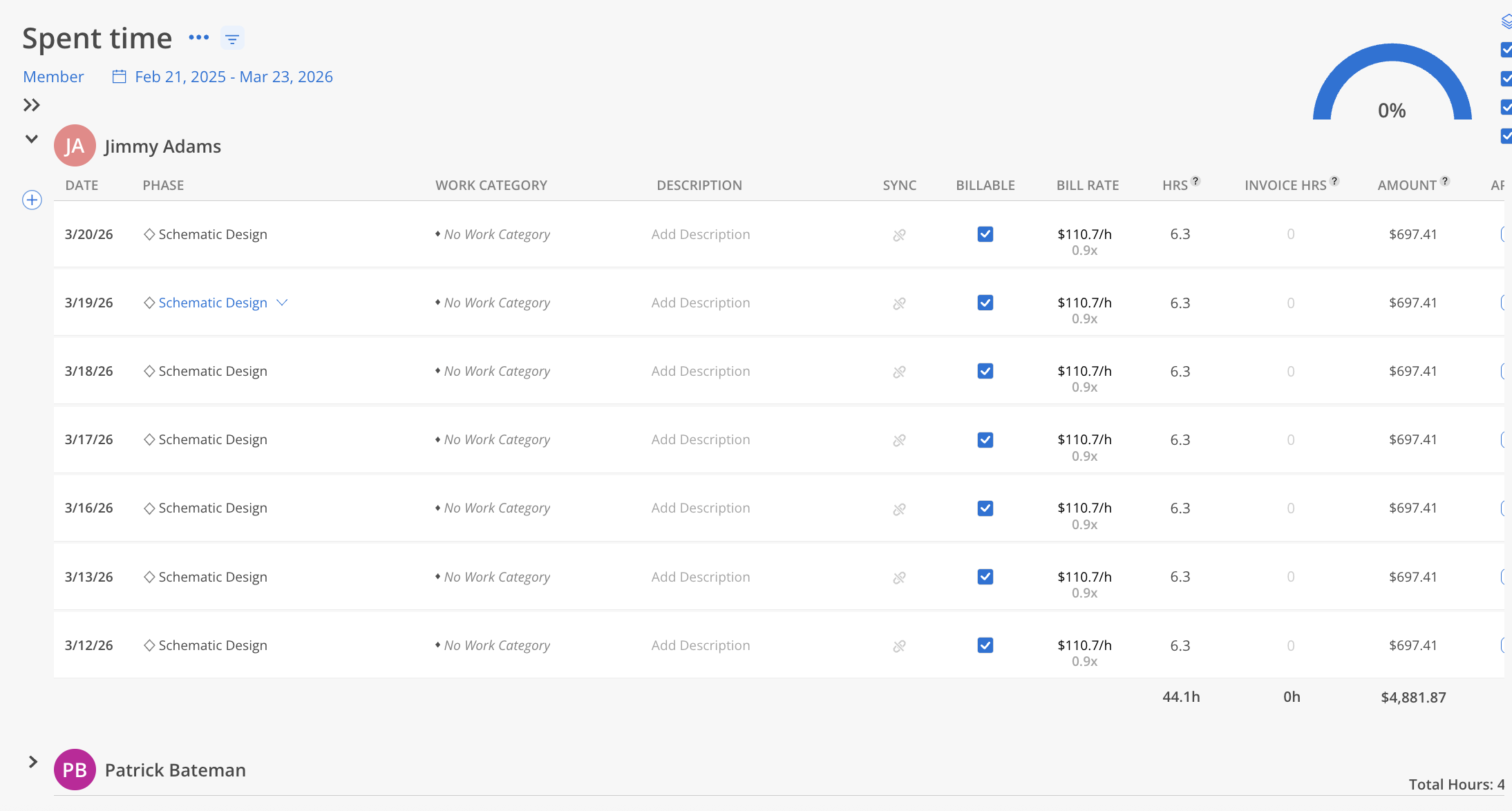
👉 Learn more about Spent
Invoice tracking.
Track billing alongside budget
Compare billed vs spent
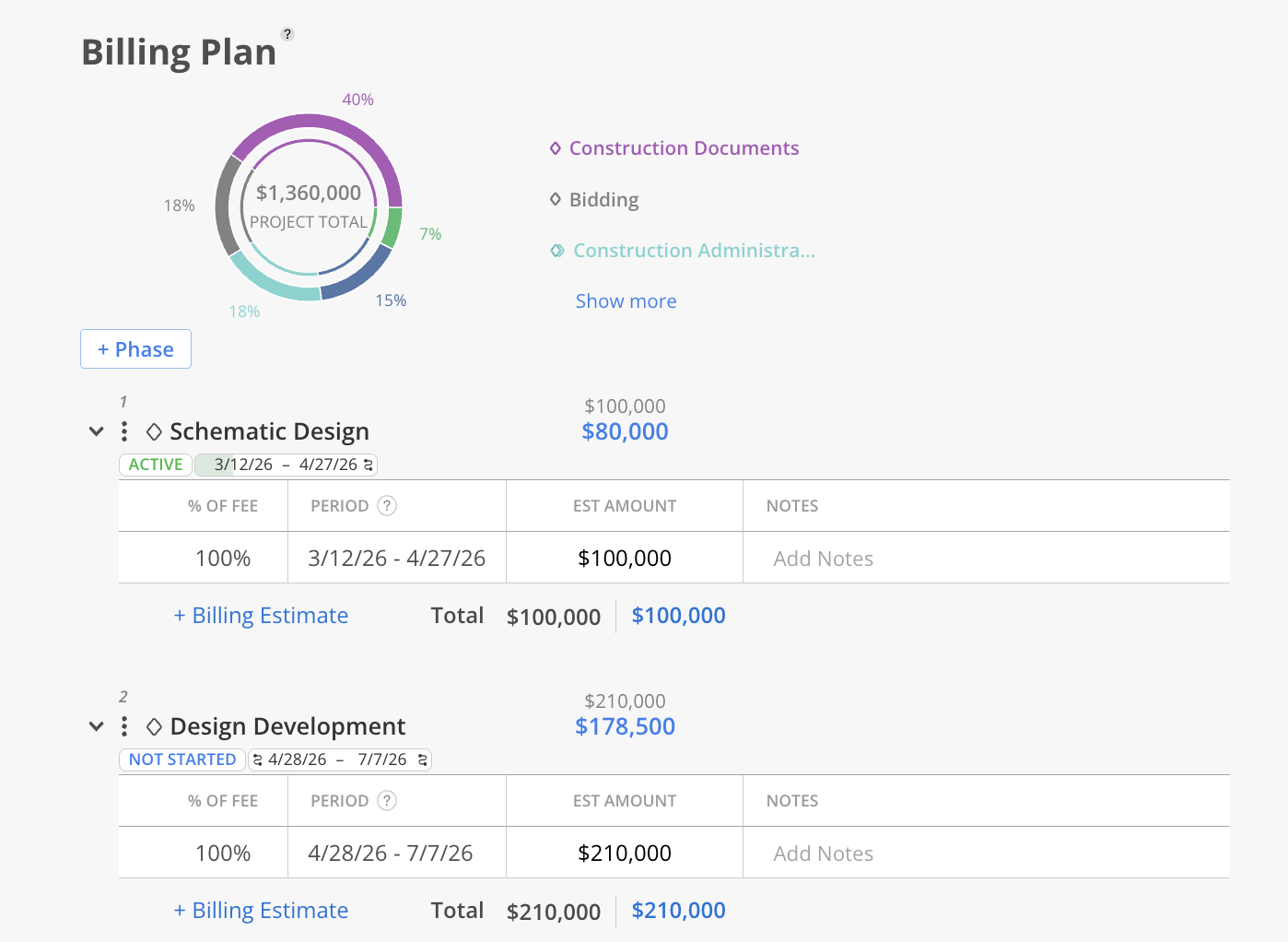
👉 Learn more about Billing
Your comparison view.
Planned vs actual time
Helps improve future planning
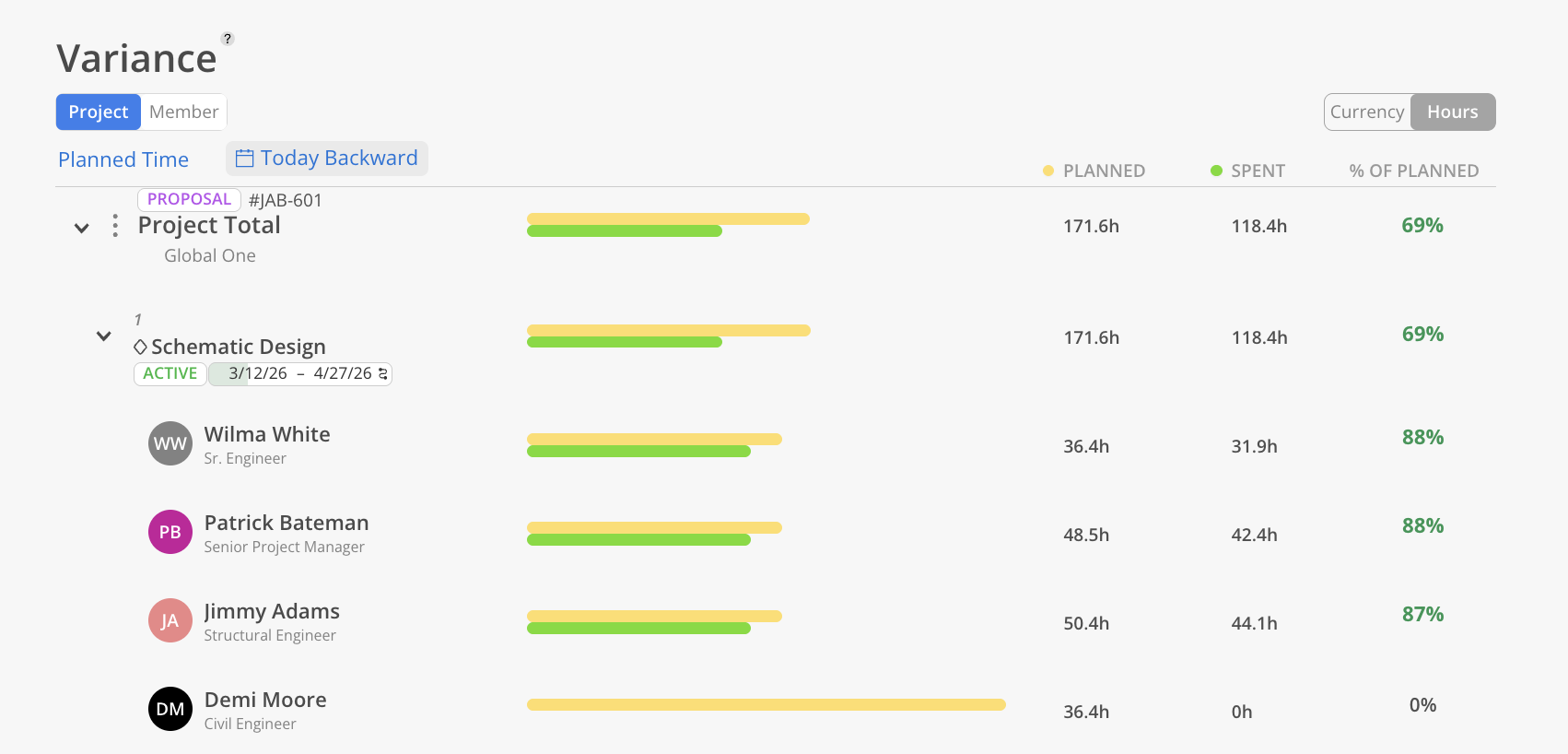
👉 Learn more about Variance
Start in Time to manage budgets day-to-day
Use Progress to catch issues early
Use Variance to improve planning accuracy
Use Spent to validate work completed
Only use Scope and Billing if your team needs them
