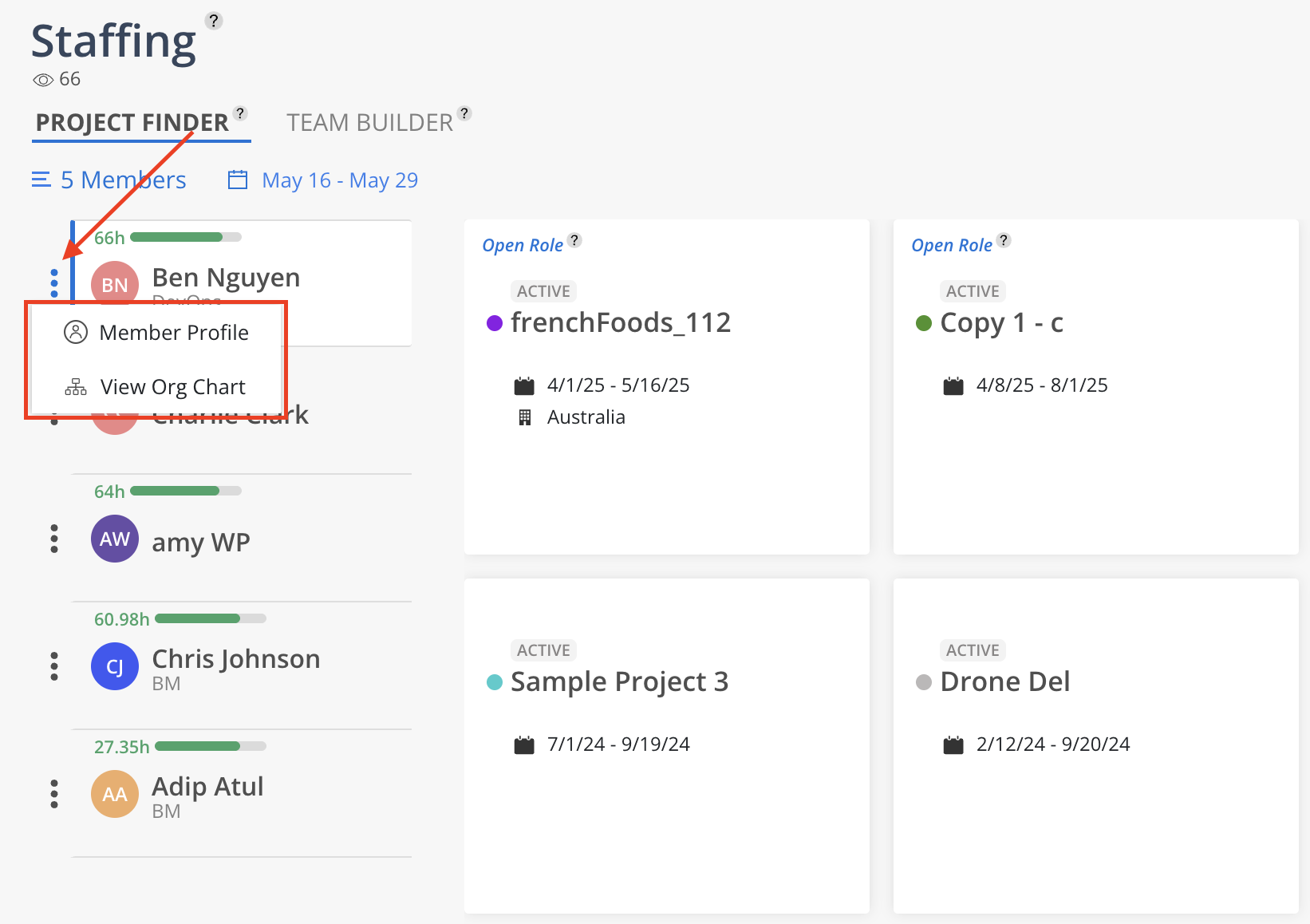
Click the three dots next to the Member's name to access additional options. Select Member Profile to view the Member's details or View Org Chart to see their position within the organization.

Budget Managers and above have access to the Org Chart. If the necessary permissions are not granted, the button will be disabled.