Project Phases represent distinct, sequential stages within a project, each containing specific tasks that contribute to its overall completion. These Phases provide structure and improve project management efficiency.
Subphases are subdivisions within a phase, breaking down tasks into more detailed components. This hierarchical approach enhances control and oversight, enabling more efficient execution and successful project delivery.
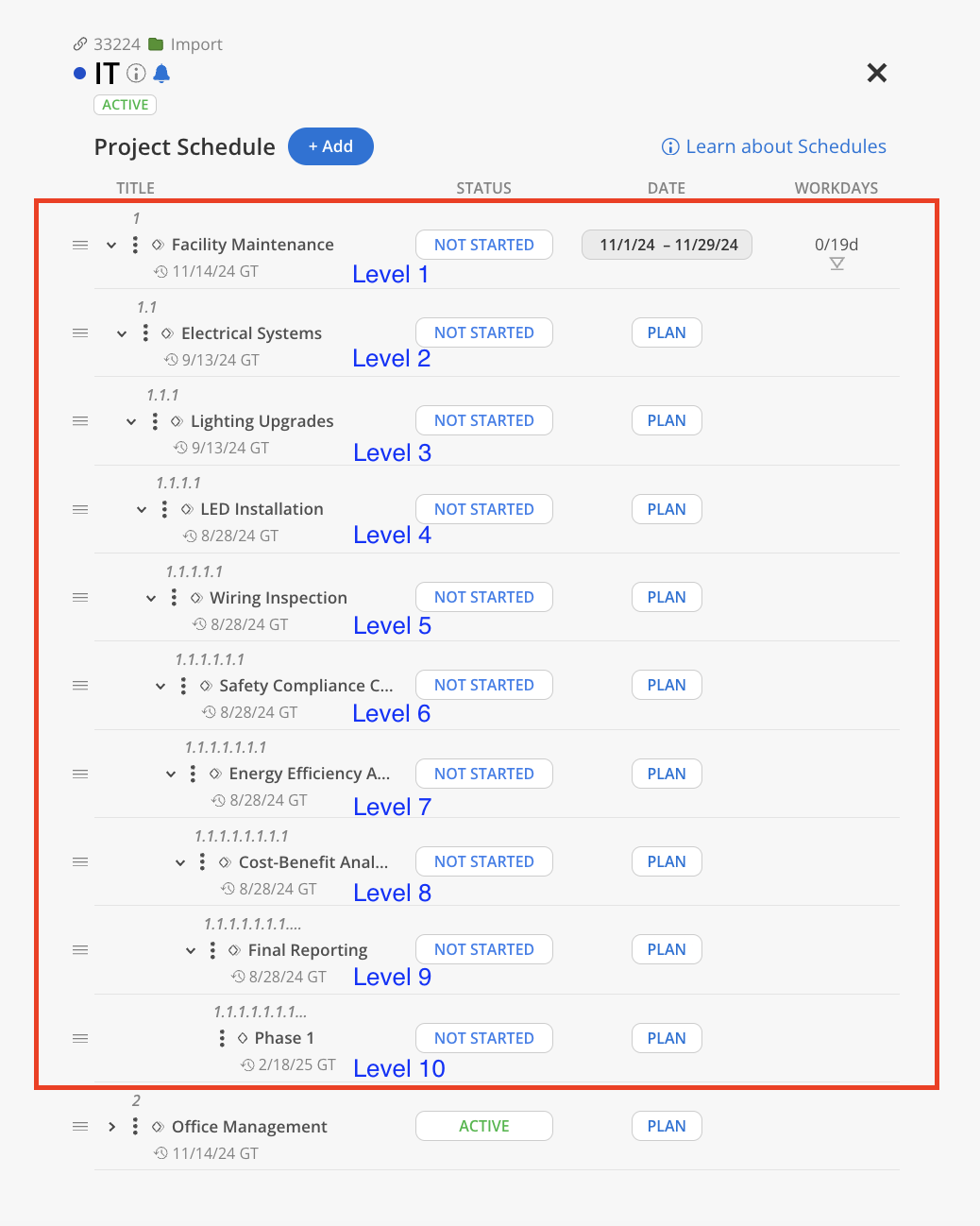
In Mosaic, a top-level Phase can contain up to nine levels of Subphases, creating a nested structure as deep as ten levels. The complete list of phases for a project can be accessed through the Project Schedule Modal or Budget Modal.
Learn more about Project Schedule Modal
Here is an example of a Phase that have nine levels of Subphases.
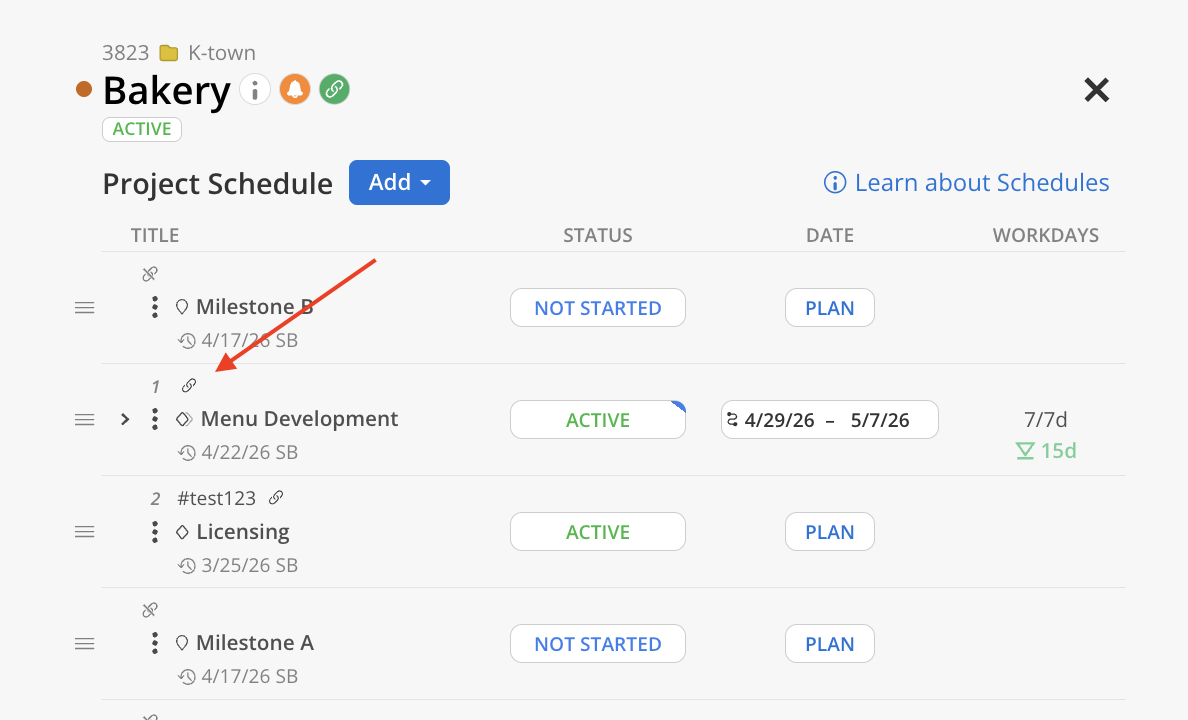
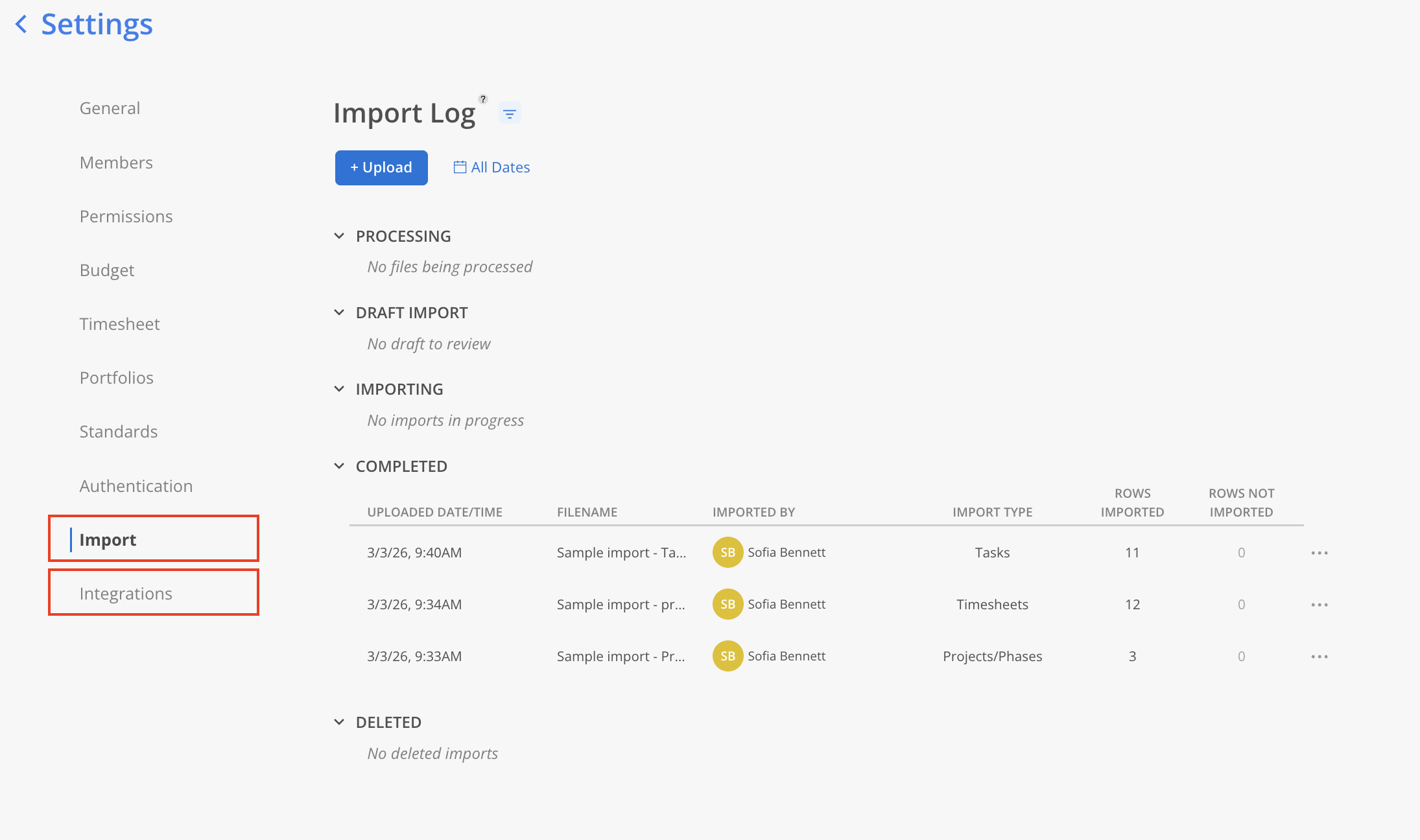
If the Phase or Subphase is linked to intergration or imported from csv import feature, a link icon will show. Click on the icon to navigate to integrations page or import page.