Chello is Mosaic’s built-in AI assistant. It’s designed to get all of your projects and your team’s capacity planned and to brief you on the information you need to control schedules and understand what’s happening across your work.
The primary objective for Chello is to get projects planned and get everyone’s time planned to 100% of their capacity
Serve up information and keep everyone informed
Help users strategize, performing scenario analysis and forecasting
Help users learn the platform, and best practices for project and resource planning, management, and forecasting
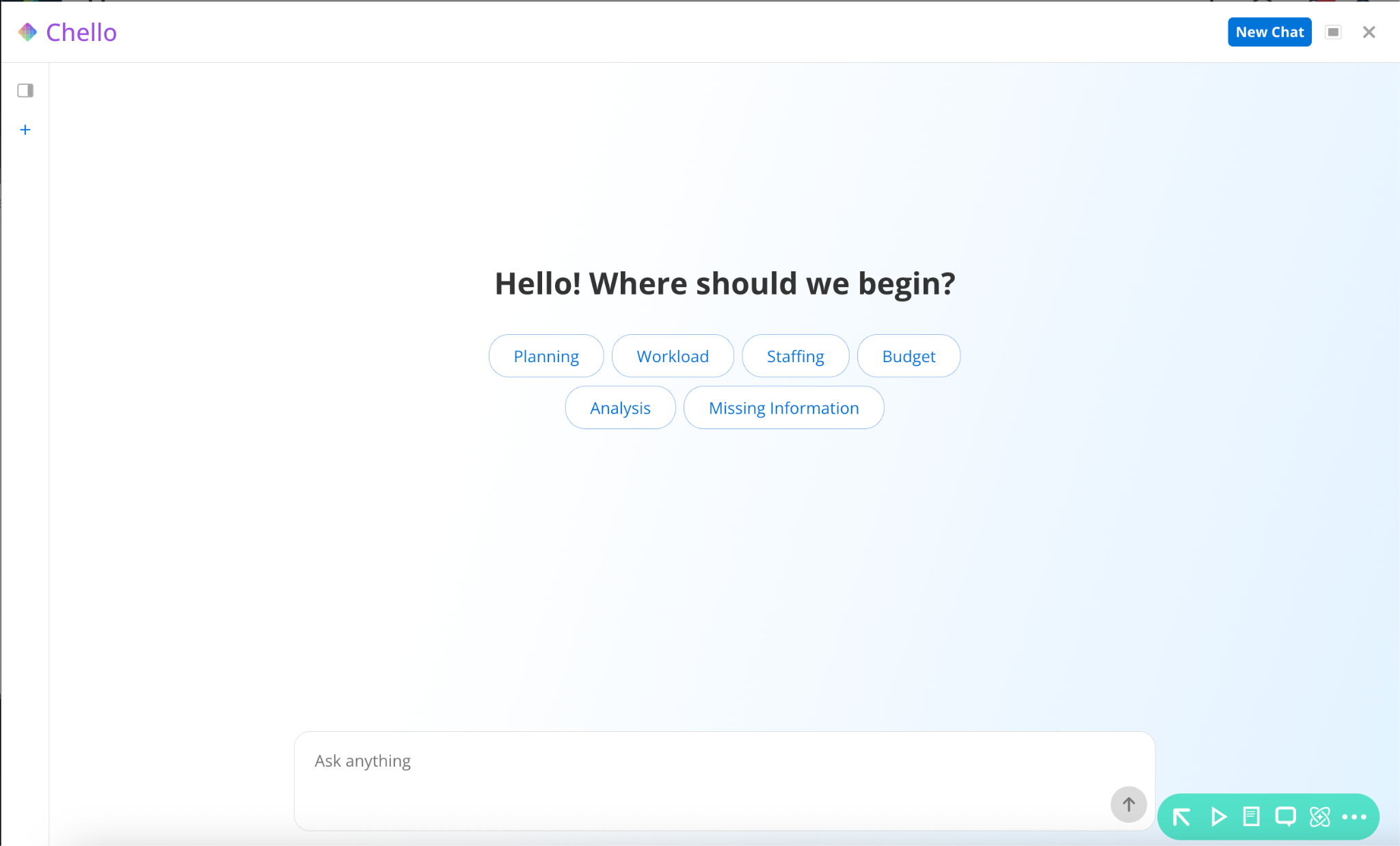
When you open Chello, the interface includes:
Topic categories: Suggested areas like staffing, risk assessment, planning review, workload management, upcoming deadlines, insights, and analysis. Each category contains example starting questions.
Starting questions: Click any question to run it immediately against your data. Use these to test Chello when you first get access.
Text input field: Type any question in plain language. You are not limited to the suggested topics.
Response area: Answers appear with the information requested. Responses may include lists and tables depending on the question.
Suggested follow-up questions: After each answer, Chello suggests related questions you can click to continue the conversation.
Conversation thread: Your session history stays visible so you can scroll back through a series of questions and answers.
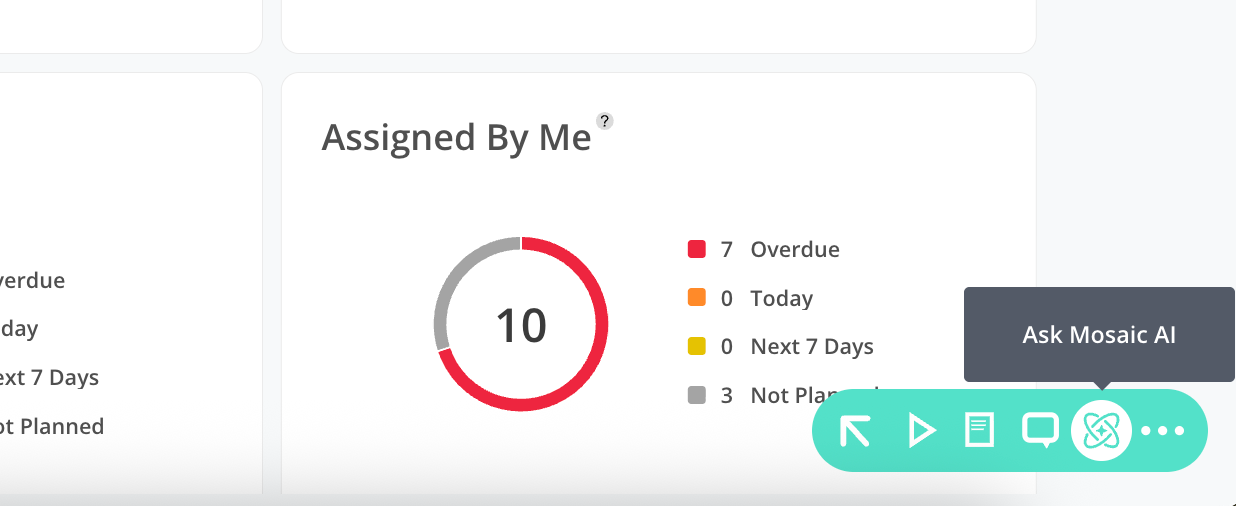
Open Chello from within the Mosaic platform (top right corner, located to the left of the plus button)
Select a topic category or click a starting question to run a pre-built query, or type your own question in the text field.
Chello returns a response with the relevant data.
Click a suggested follow-up question or type your own to continue the conversation.
Ask additional questions as needed. Each answer builds on the context of the session.
Where do we have a work shortage?
Do we have any bottlenecks coming up?
Which projects might have scope creep?
Which project schedules aren’t up to date?
Who’s available for project A?
Chello remembers instructions you give it within a session. You can narrow the scope of every answer without repeating yourself on each question.
Tell Chello to focus on a specific team or department it will apply that filter to all subsequent answers until you change it
Tell Chello to respond in lists instead of tables (or vice versa) and it will maintain that format
Scope Chello to a specific portfolio to prevent it from returning data across the entire company

Chello uses a credit-based model, similar to other AI tools. Each question consumes credits from your account's daily allowance, and credits reset on a monthly cadence.
Mosaic AI is built into your subscription at the Base tier.
Built in limits prevent you from going over your allotted credits.
A Chello Pro or Max plan is available as an add-on for higher usage volumes (contact your customer success manager for details)
Use the help center support bot for basic product how-to questions, those do not consume Chello credits.
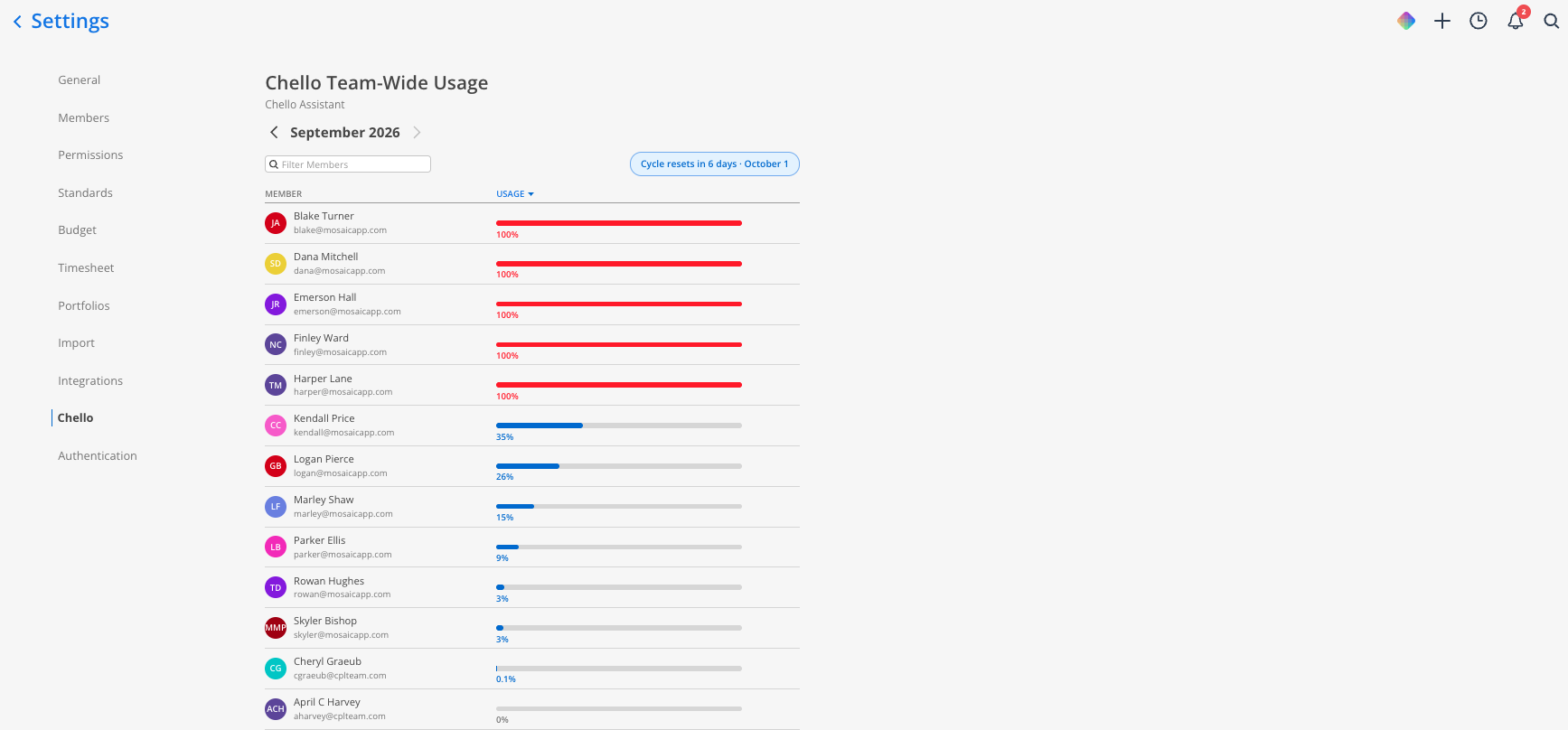
View your team's usage. Admins can see how much of the team's credit allowance has been used from the Chello usage page in organization settings.
Reaching your limit. If your team uses all of its available credits before the monthly reset, Chello shows a usage limit message until credits reset or your limit is increased. Contact your customer success manager to talk through your options.
Chello is initially available to account admins only. This gives your admin team time to test Chello against your firm's data, configure preferences, and establish guidelines for how your team should use it before broader access is enabled.
It only surfaces data that a user can already access within the platform. For example, if a member does not have visibility into cost rates, budget details, or specific project data in Mosaic, they will not be able to retrieve that information through Chello either. No additional data access is granted by using Chello.
If you are a non-admin user and do not see Chello in your account, ask your admin about the rollout timeline for your organization.
Start with the suggested questions. They are the fastest way to confirm Chello is reading your data correctly.
Chello’s follow-up questions help you dig in. Chello suggests next steps after each answer. Click them to go deeper without typing a new question from scratch
Chello is not yet a replacement for the support bot. The existing help center support bot answers product questions (how to split a work plan, how to filter members, etc.). In the coming months, after further training, Chello will be your all in one assistant.
Verify AI-generated data before acting. Chello generates answers based on the data in your Mosaic account. Review responses before using them to make decisions, especially for financial or staffing-related questions. If something looks off, check the underlying data directly in Mosaic. Inform Mosaic of any discrepancies, so we can ensure Chello provides only accurate responses.
