
Hours only view can be turned on on Organization settings > Budgets tab. This will affect how budget is tracked on the Project and Phase level.
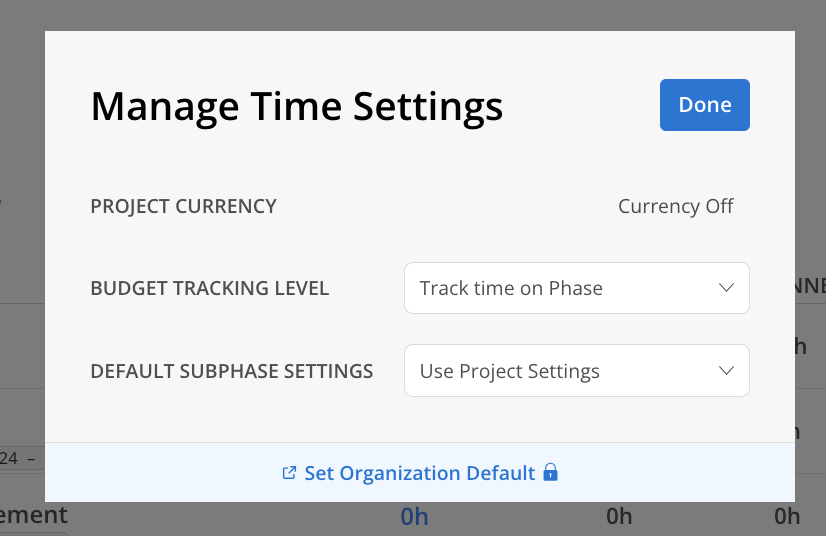
On the hours-only setting, Currency and Rates related settings are hidden:
Project Currency — Currency Off
Set Organization Default Button takes you to Organization Settings > Budget > Settings page
Sub Phase Budget Roll-Up
Teams on the hours-only setting can choose to have sub phase budgets roll up automatically to the parent phase.
When roll-up is enabled:
Enter budgeted hours at the sub phase level only
The parent phase budget displays the combined total of all its sub phases
The parent phase total updates automatically as sub phase budgets change
How to enable it:
Open the Budget for the project and stay on the Time tab.
Click the cogwheel icon at the top of the tab.
Turn on toggle.
Close the settings panel. Parent phase rows now show rolled-up totals.
Important Notes
Roll-up affects how the parent phase budget is calculated, not how sub phases are structured. Adding or removing a sub phase changes the parent total.