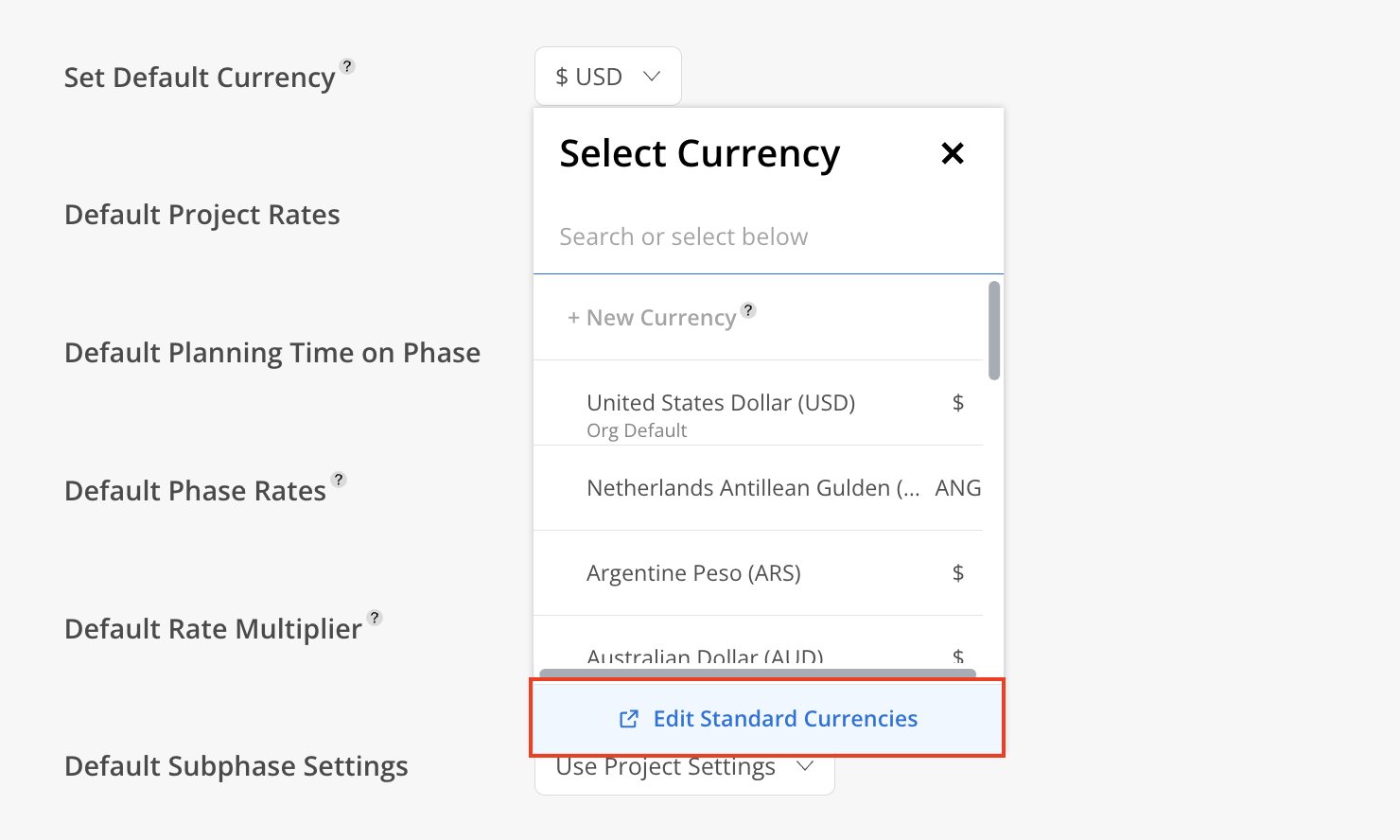
Set the organization's default Currency for Projects and reports. If a Project does not have a specific Currency assigned, it will automatically use the default Team Currency.
The desired Currency can be searched using either the three-letter code (e.g., USD, EUR) or the currency name.
Update Default Currency on Organization Setting
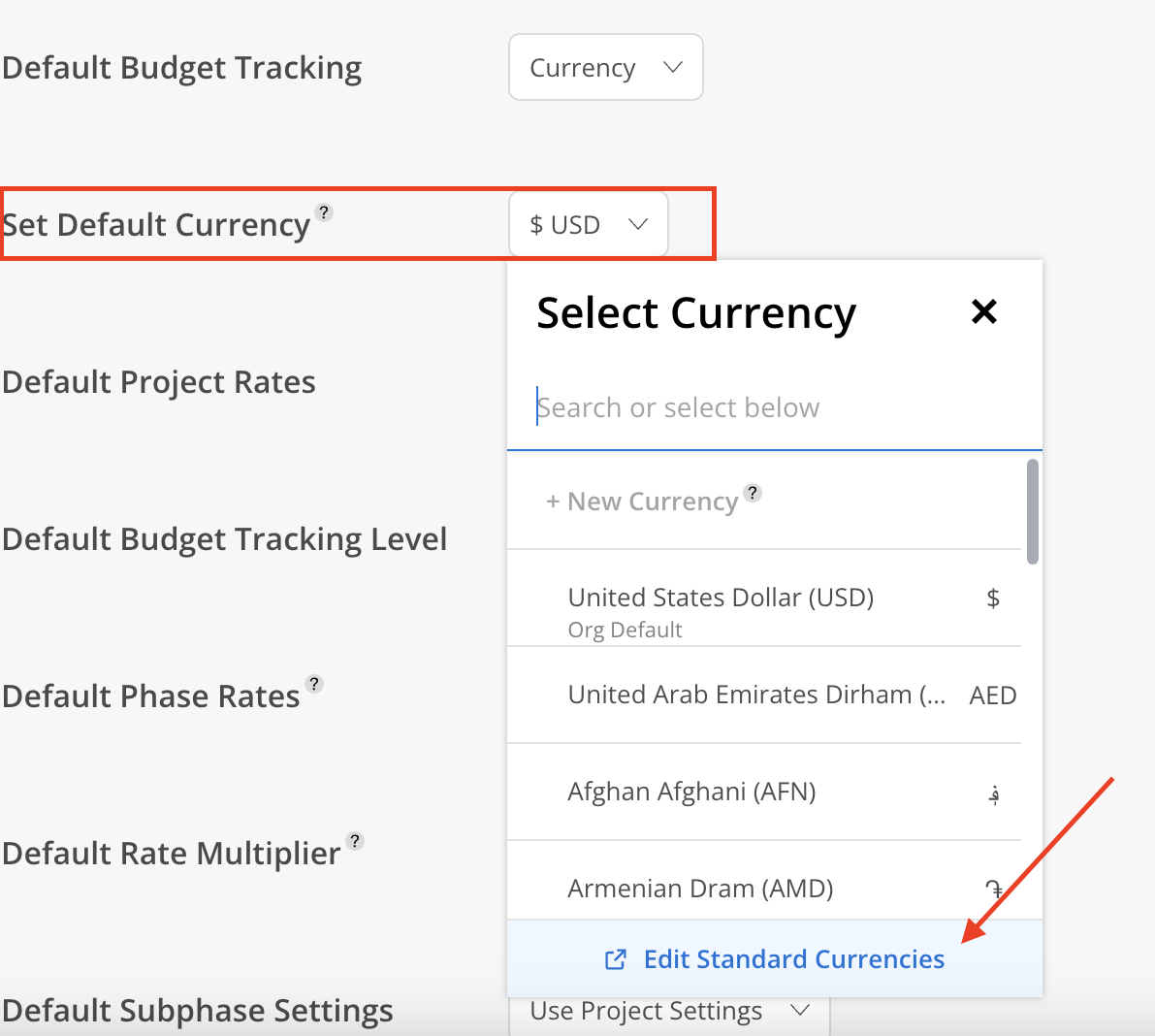
Click the Default Currency dropdown and select the preferred currency.
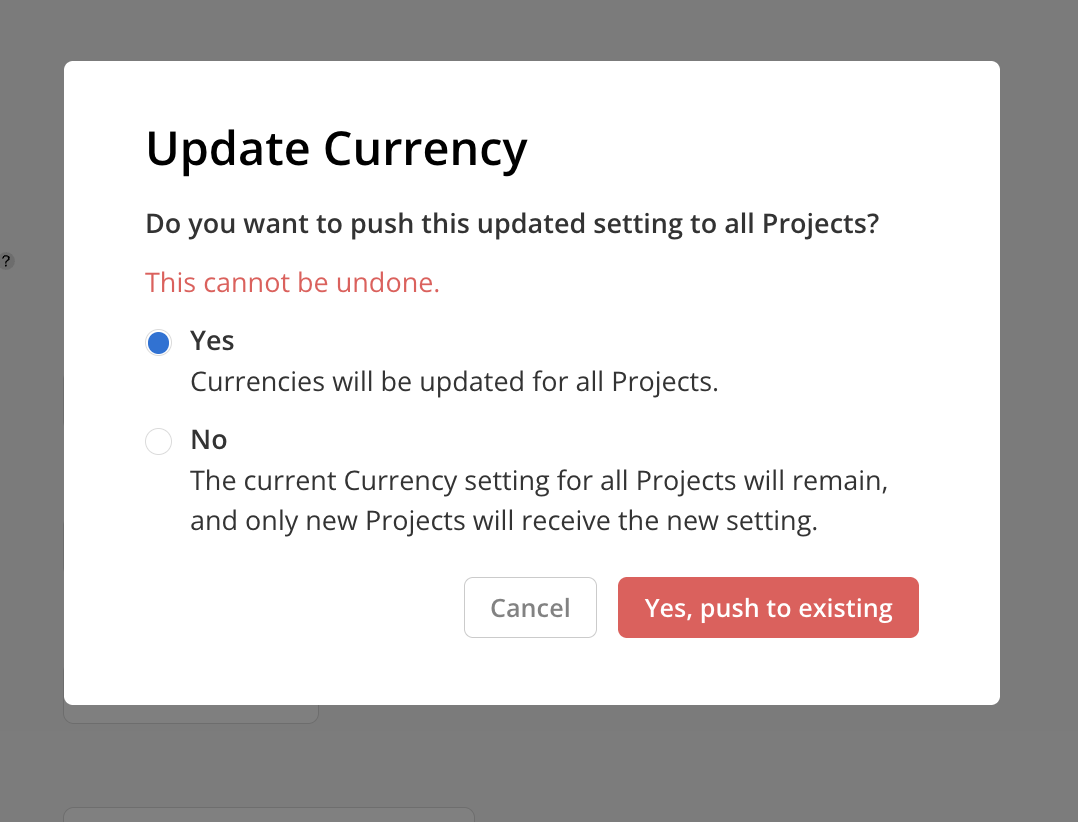
After selecting a different currency, an Update Currency confirmation modal will appear. Selecting Yes updates the currency for all existing Projects as well as all new Projects created going forward. Selecting No keeps existing Projects unchanged and applies the new default currency only to newly created Projects.

Only Team Currencies can be selected in this section. If a desired currency is not visible in the list, it can be added by navigating to Org settings > Standards > Rates. Clicking Edit Standard Currencies will provide direct access to that page.