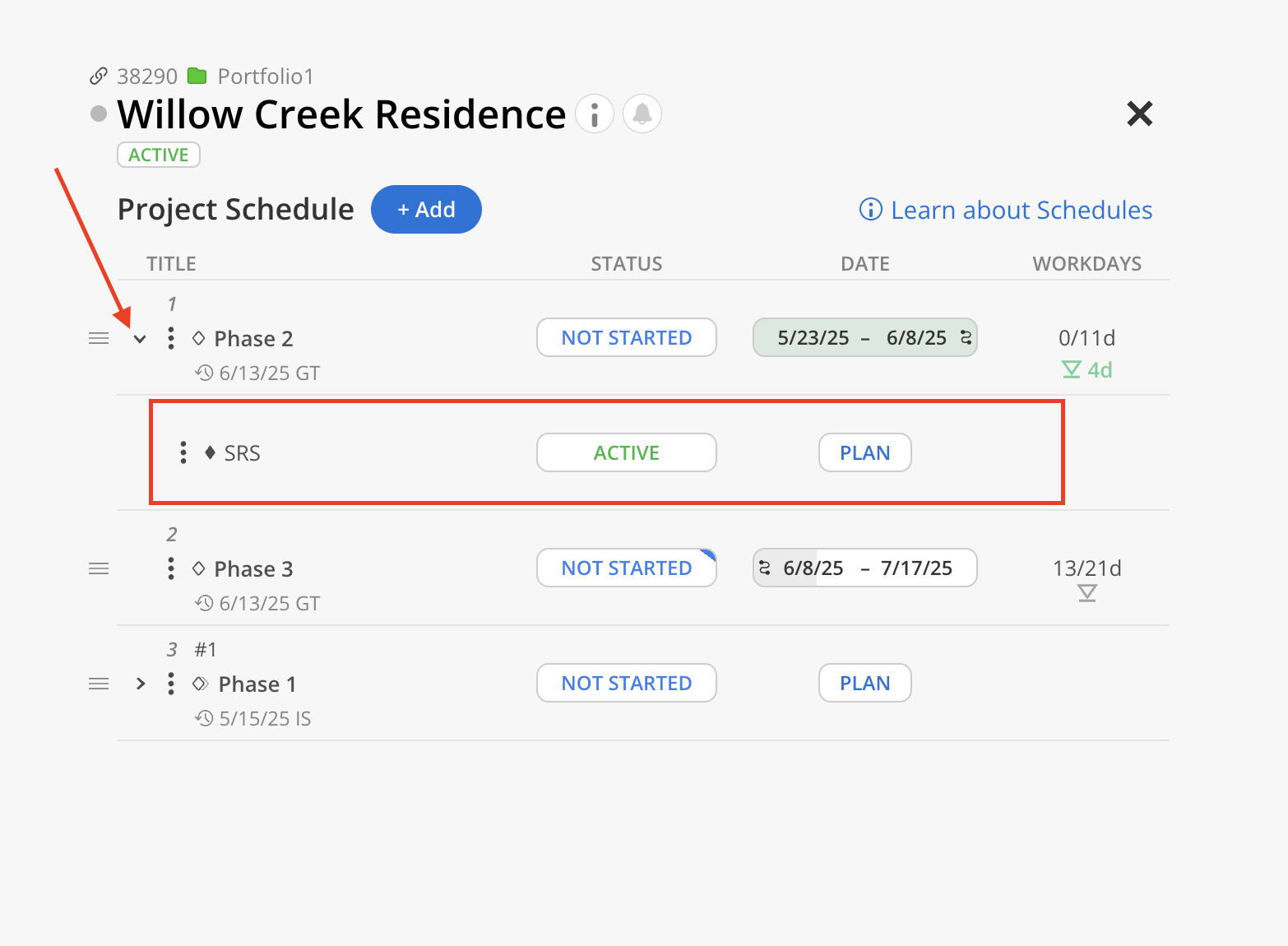
What is a Work Category?
Typically Entered on Timesheets for tracking the different types of work performed by an individual to categorize how people spend time on a project. Work Categories may be called Labor Codes, Labor Categories, Labor Type, or Service Items depending on your ERP.
Where do I find Work Categories in Mosaic?
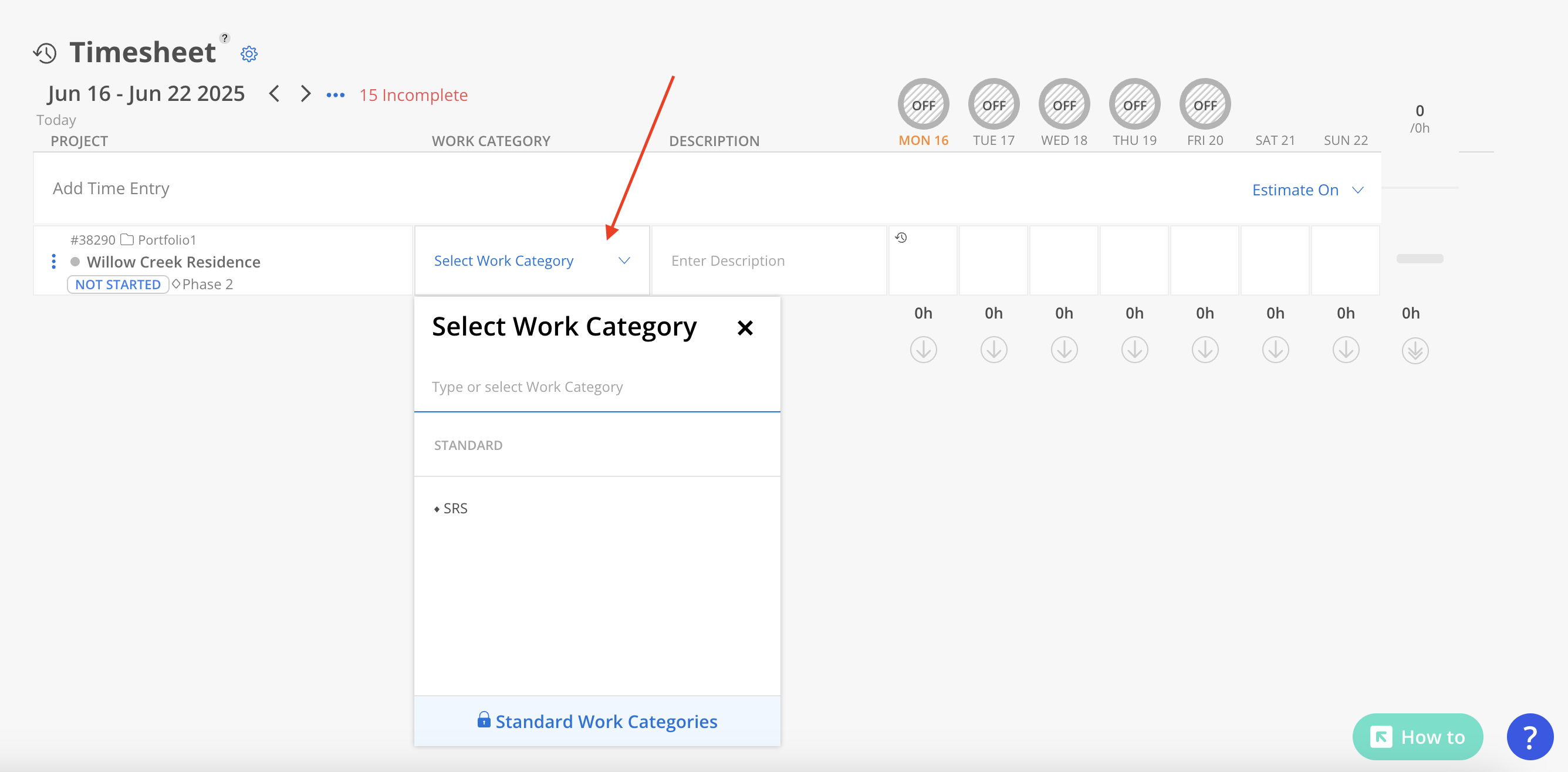
Timesheet
When entering timesheets, you will need to select one of the work categories in the phase.
Project
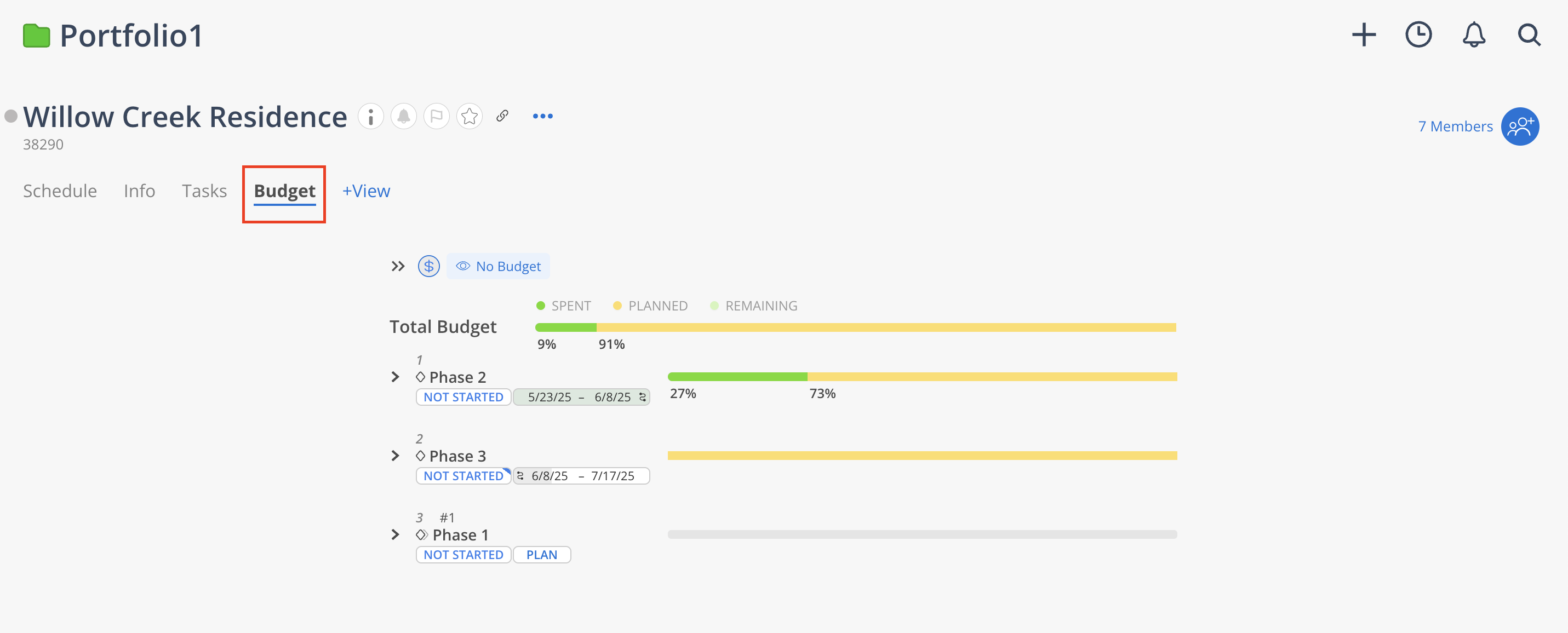
Navigate to the Project page and click Budget.
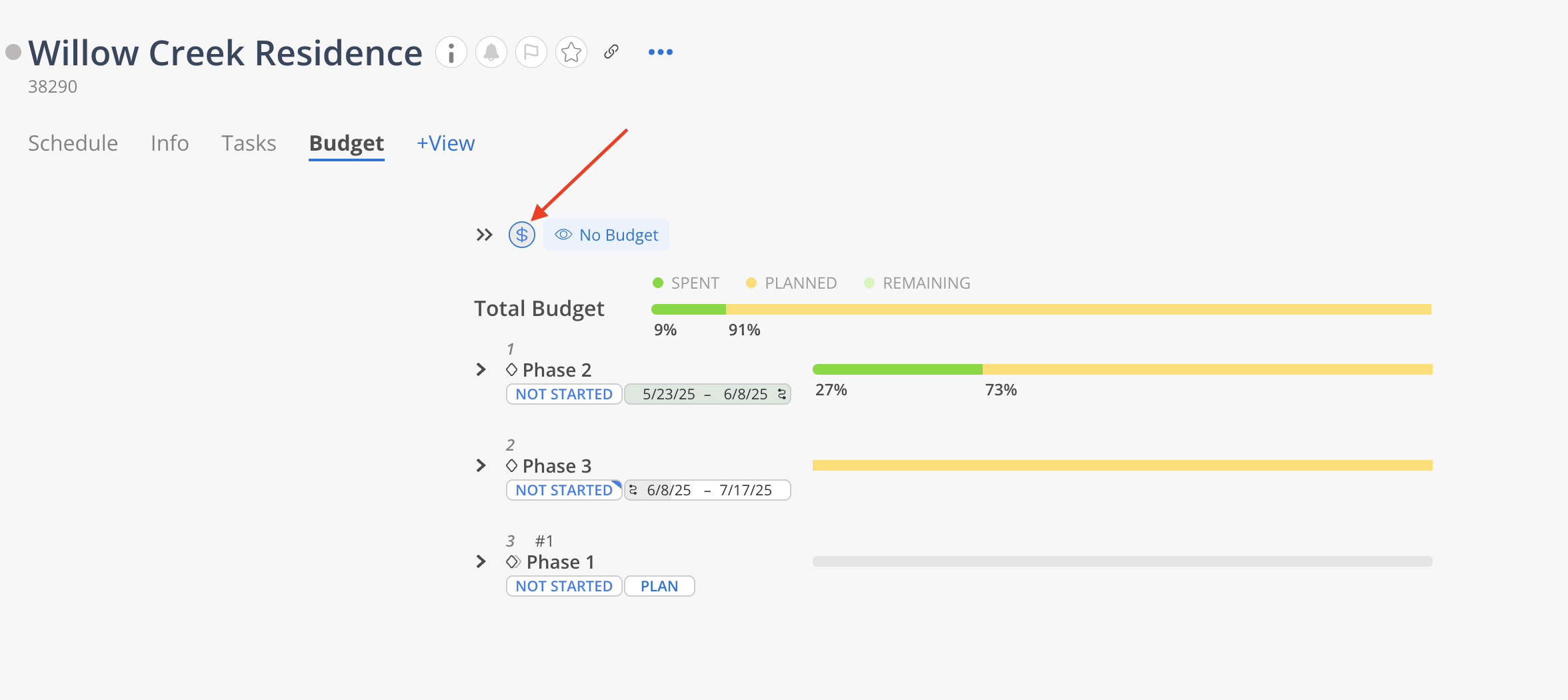
Click the budget icon to open the detailed view (accessible only to Budget Managers and Admins).
Expand a Phase to view its associated Work Categories, if the Phase has PLANNING TIME ON PHASE setting as “Plan Time on Work Category“.
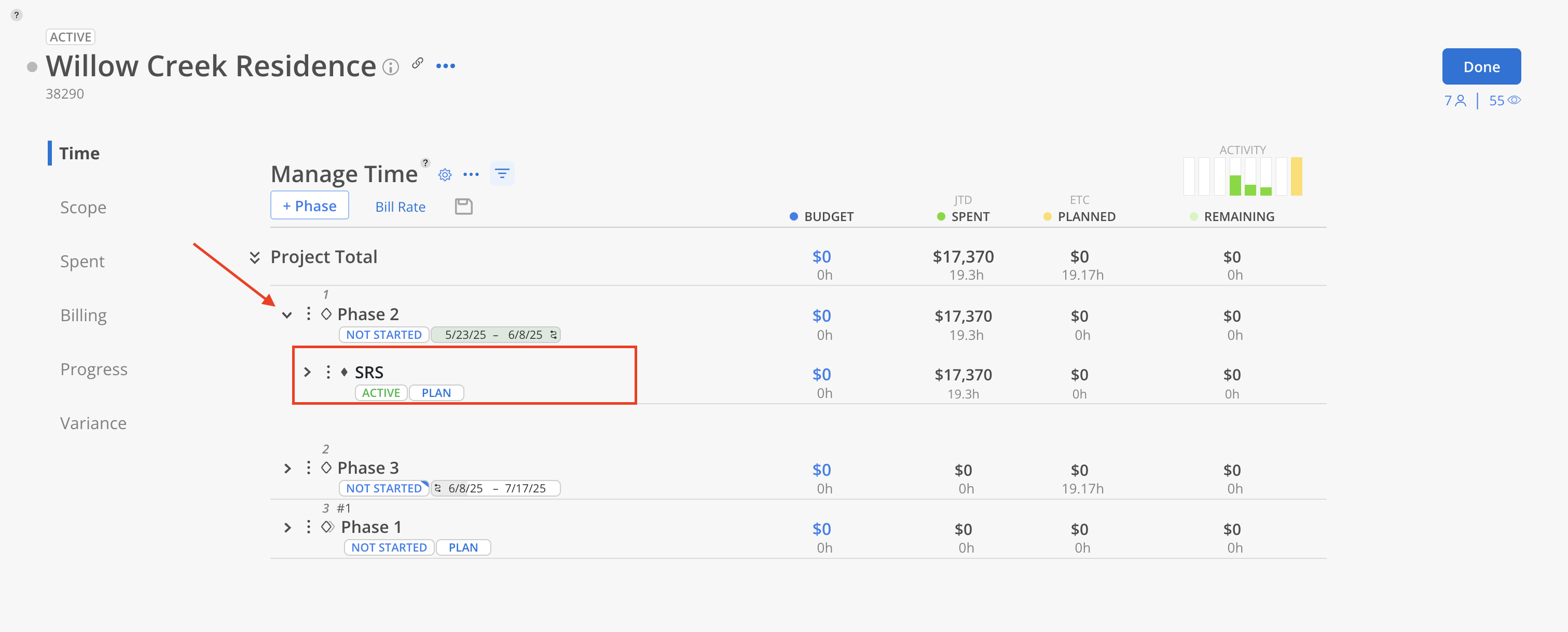
Project Schedule Modal
Expand a Phase to view its associated Work Categories, if the Phase has PLANNING TIME ON PHASE setting as “Plan Time on Work Category“.