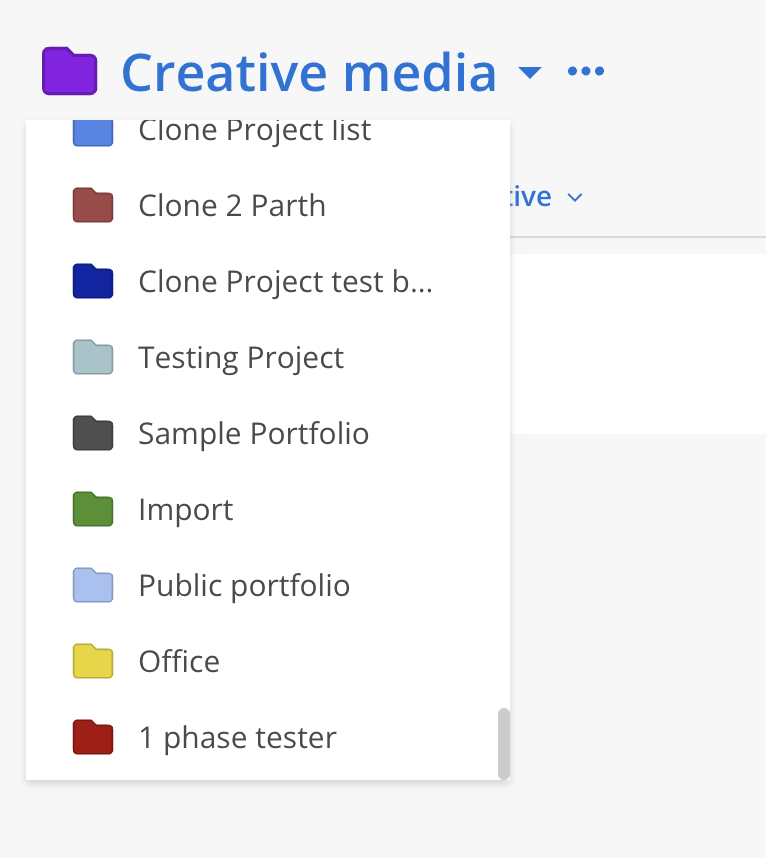
Base Members have the lowest level of access. They can only view Public Teams and Projects, along with any additional areas explicitly granted through permission settings.
Base Members' permissions can be further configured to specify whether they have access to all available Public Projects or no access at all.

Selecting No Access means the Base Member will not be able to log in to the Mosaic web application.
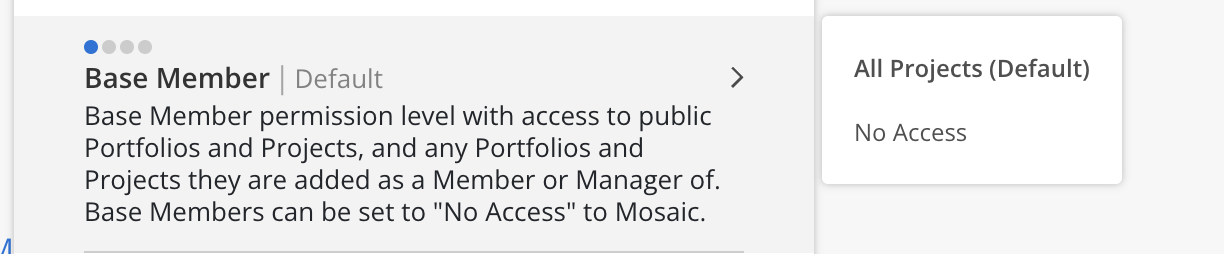
Spaces that base member cannot access
Base members will not be able to access Staffing, Workload, Planner, Report, Dashboard and Organization Settings pages.
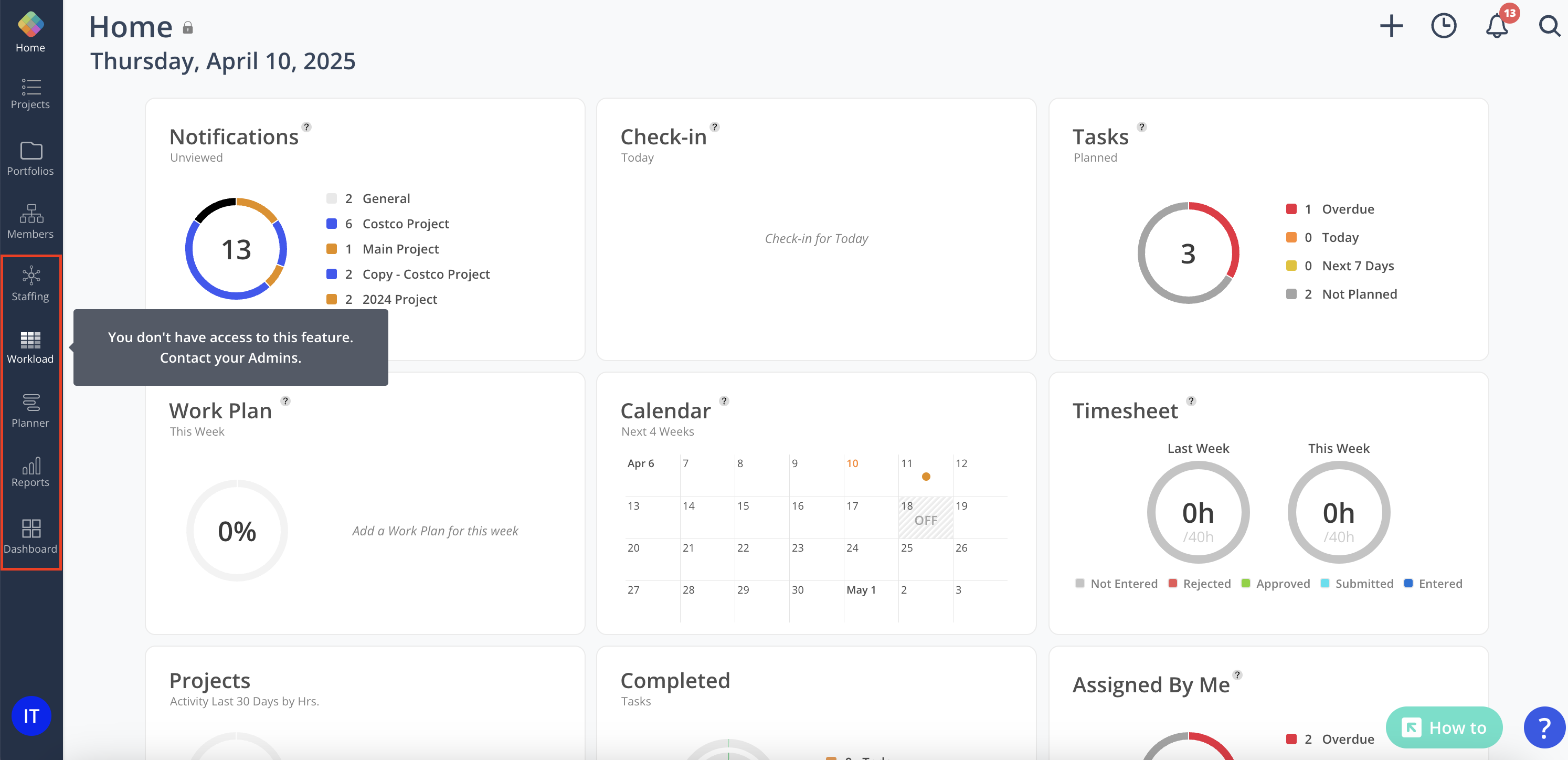
Private Portfolios
Base members cannot see private portfolios
Admin view
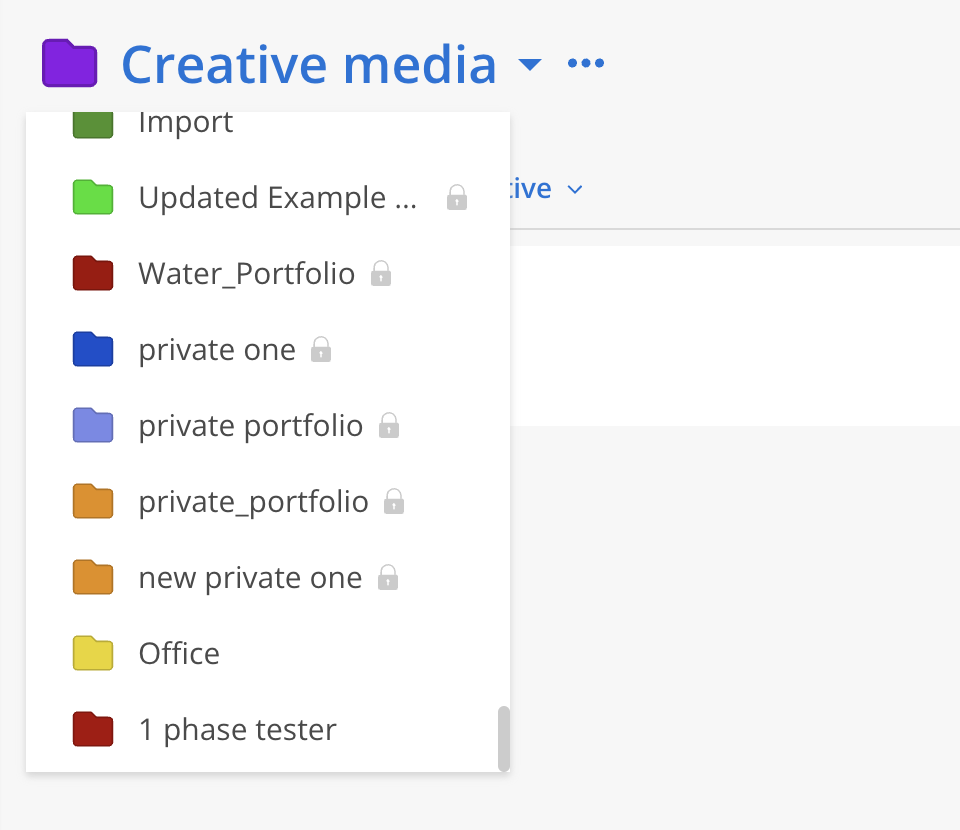
Base member view