
Overview
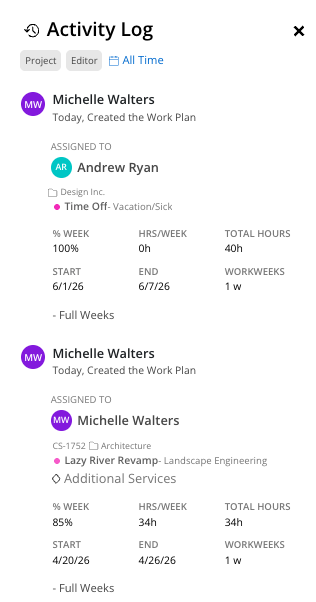
The activity log records every action taken on work plans — creation, edits, moves, splits, copies, and deletions. It is accessible from the clock icon in the top right of the Workload space, and also within each individual work plan modal.

What You See
Space-level activity log — The clock icon on the top right opens a log of all work plan activity across all members in the space
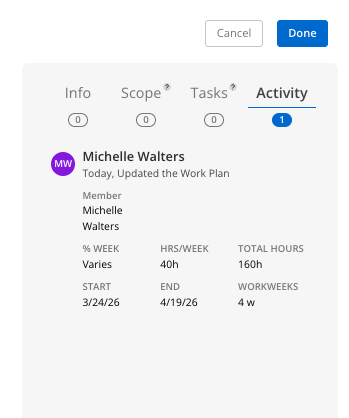
Work plan-level activity log — Inside any work plan modal, the activity section shows changes specific to that plan
How To Use the Activity Log
Click the clock icon in the top right corner of the Workload space.
The log displays recent work plan activity with timestamps and editor names.
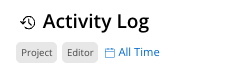
Use the filters to narrow by:
Project — See changes for a specific project
Editor — See changes made by a specific person
Date range — See changes within a specific timeframe
What Gets Logged?
Work plan creation (including who created it and the initial values assigned)
Date changes
Hour or percentage changes to Work Plans
Work Plan Deletions
Tentative Status (if work plan is set to “Tentative”)
Integration sync events (shown with "IS" initials for integration server)
Tips
Use it for accountability — If a work plan changed unexpectedly, the log shows who made the change and when
Check the IS initials — If you see "IS" as the editor, that means the change came from your ERP integration sync, not a team member