Three-Dot Menu Options
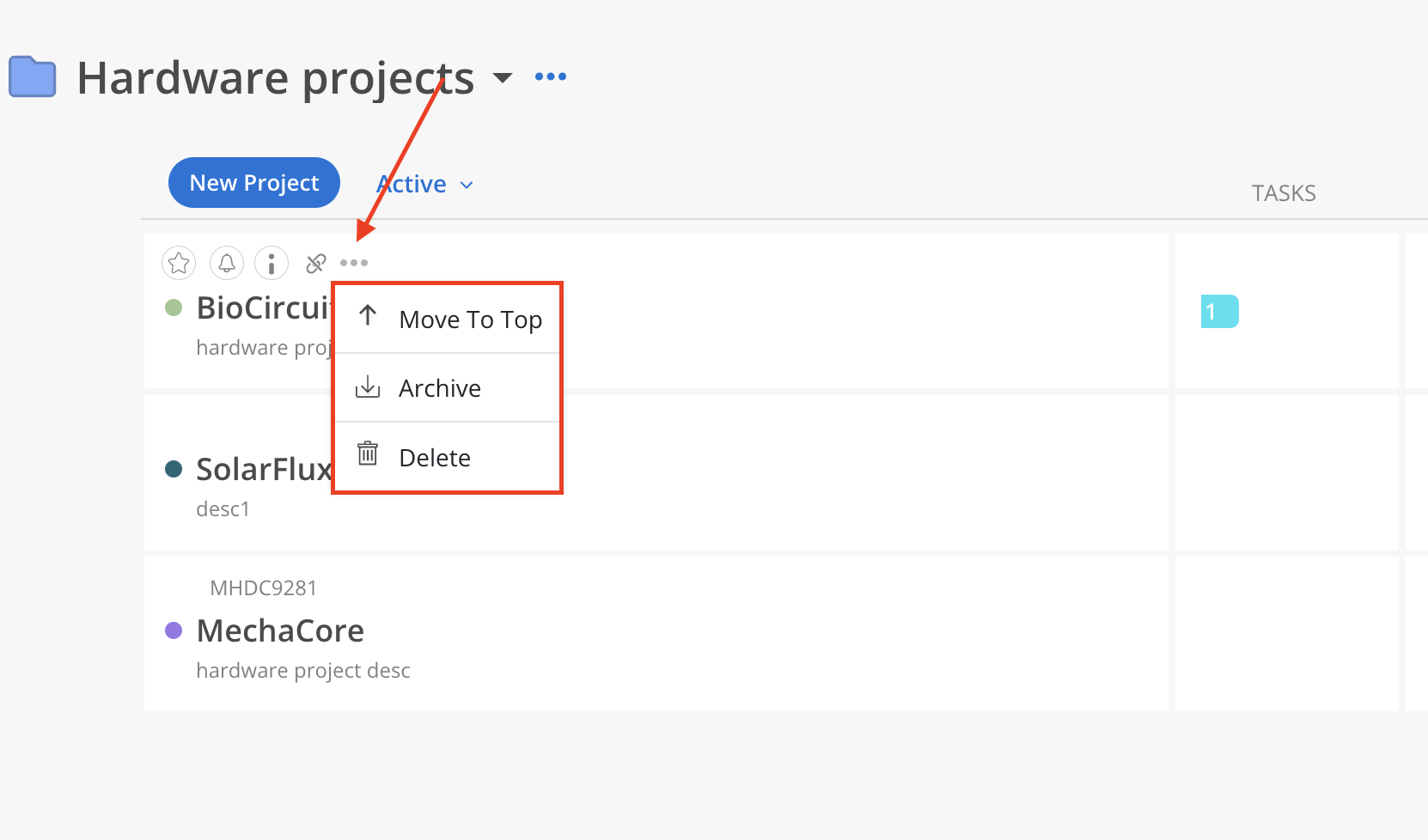
To manage individual Projects, hover over a Project row and click the three-dot icon. The following options are available:
Move to Top – Move the Project to the top of the list for quick access.
Archive – Remove the Project from the active list without permanently deleting it.
Delete – Permanently remove the Project from the Portfolio.
Reordering Projects
The order of Projects displayed within a Portfolio is a global setting. Any changes to the Project order apply universally and are visible to all Members who have access to that Portfolio.
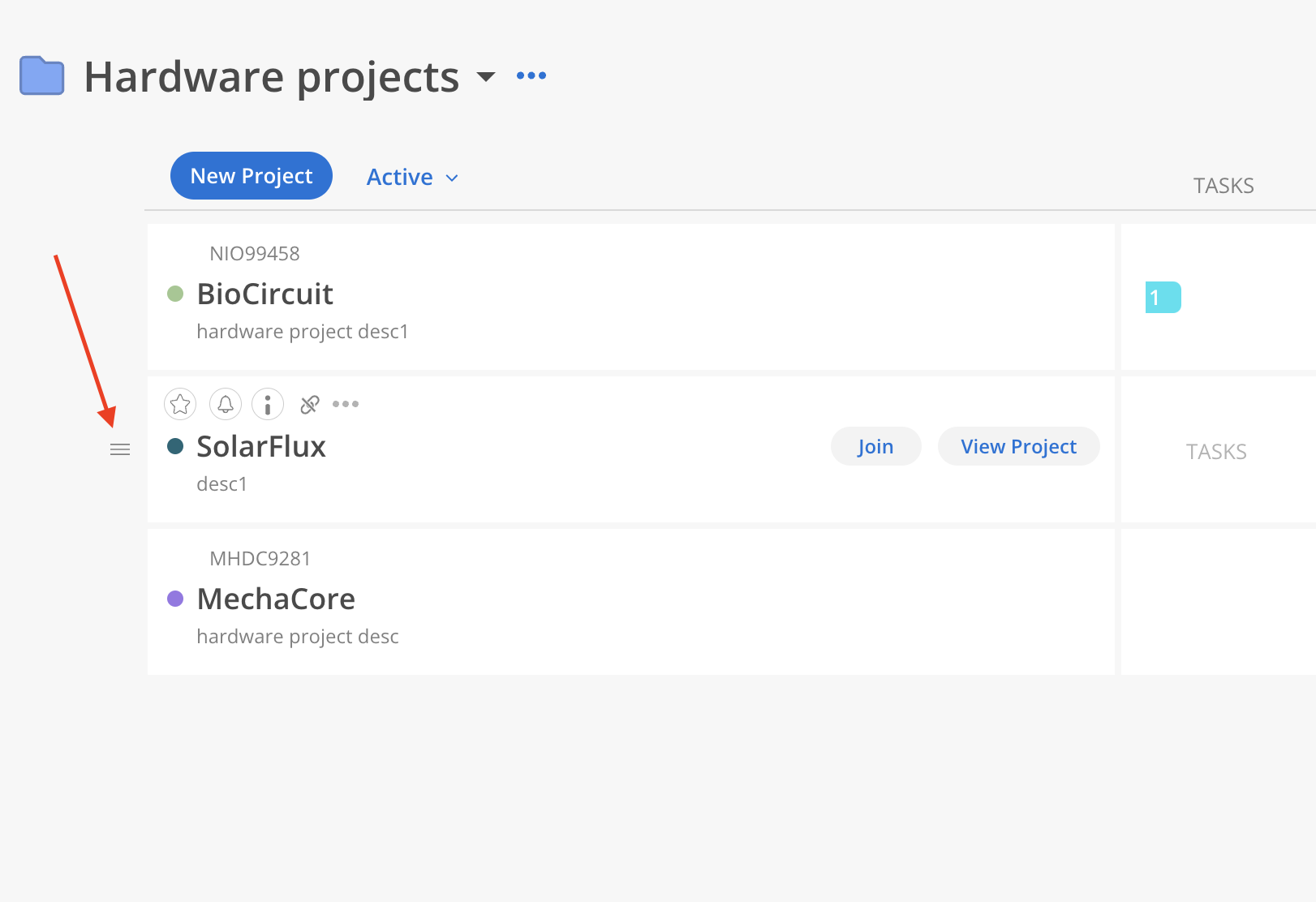
Projects can also be reordered manually. Hover over a Project row and drag it using the handle on the left to reposition it anywhere in the list.