
All four statuses allow existing work plan and time entry data to remain visible and accounted for in the project budget. Changing a phase's status does not remove its planned or spent costs from budget totals (EAC, Remaining, etc.).

To update the status of a project phase:
Open the project that contains the phase you want to update.
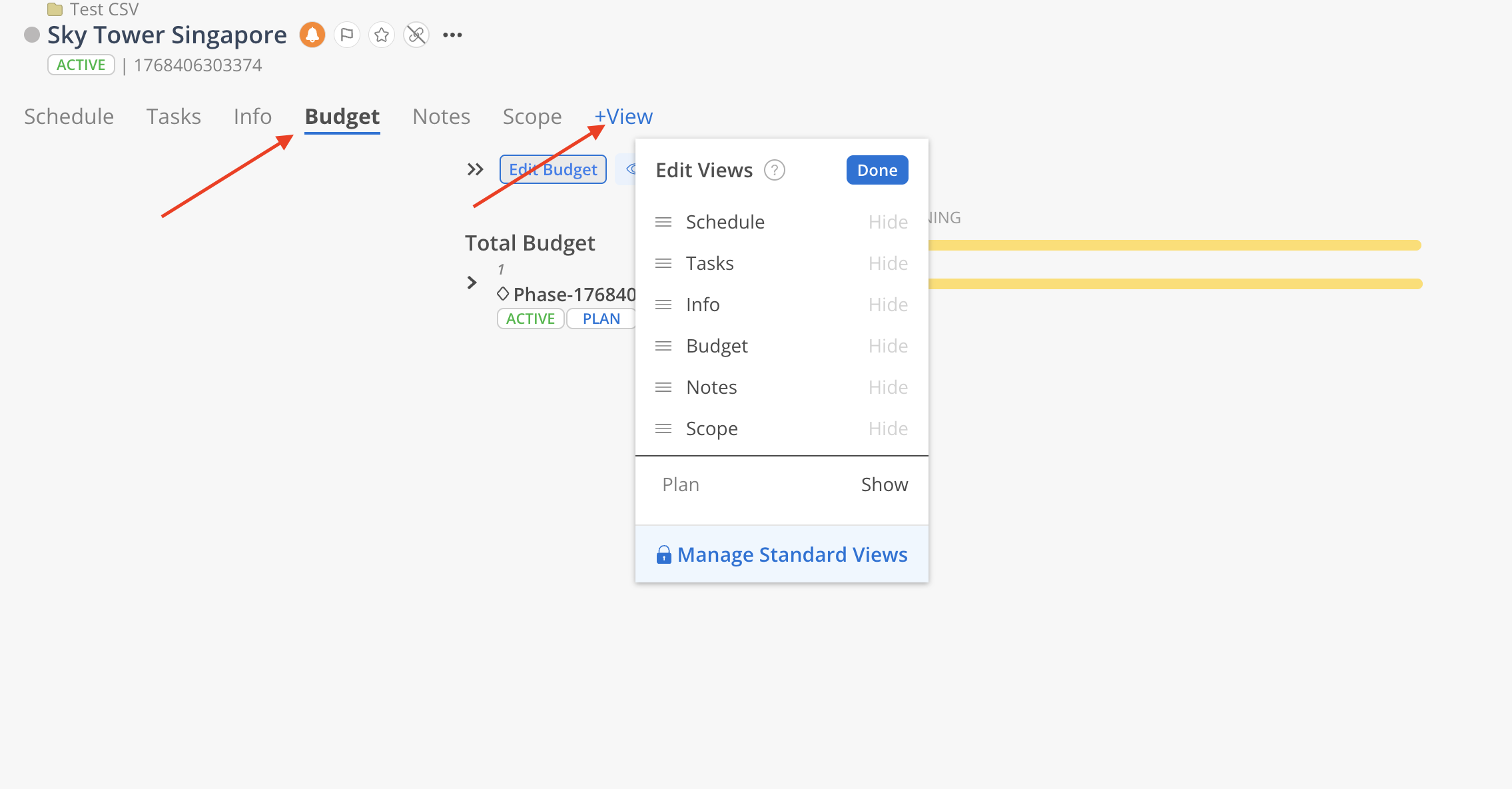
Click on the Budget tab. If the tab is not displayed, use the +View button to add it.
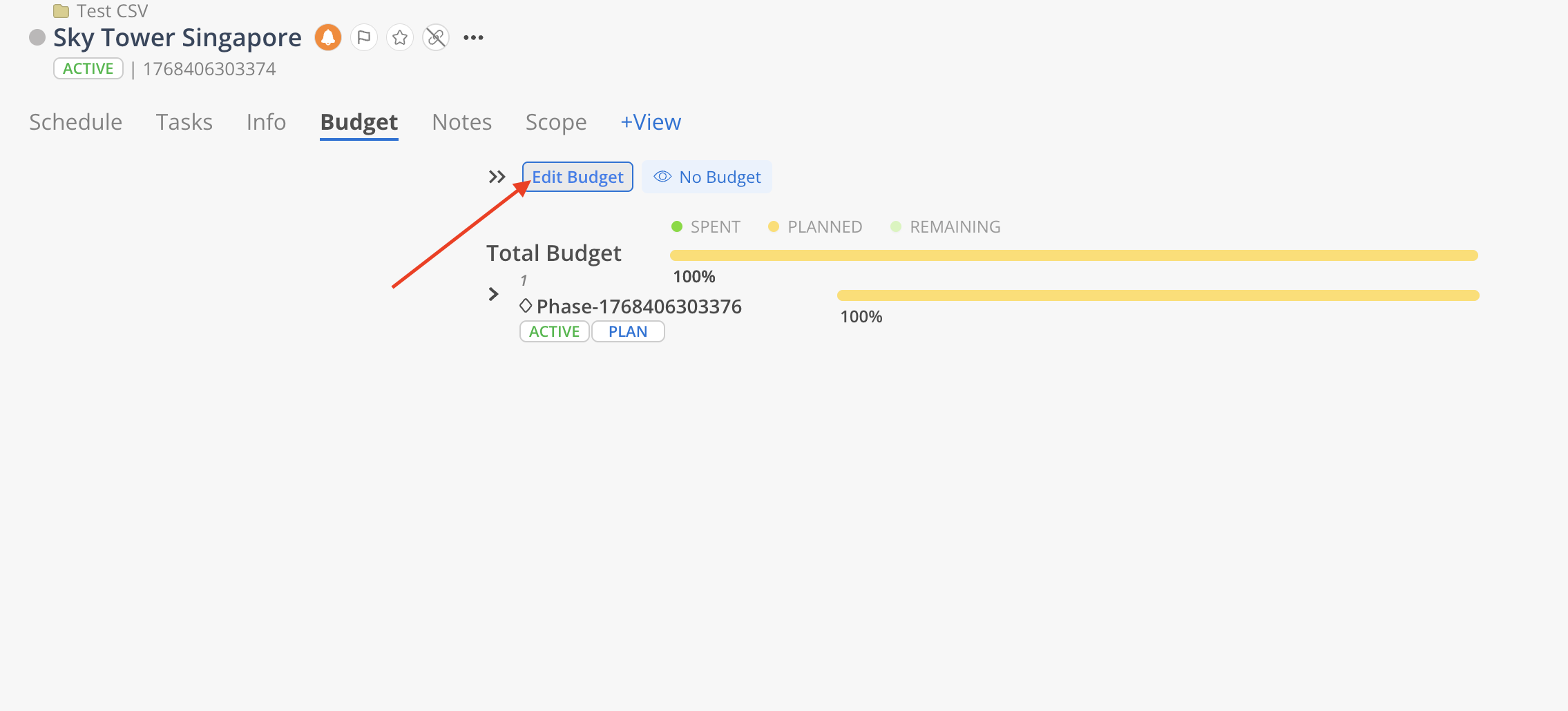
Select 'Edit Budget' to open Budget Modal.
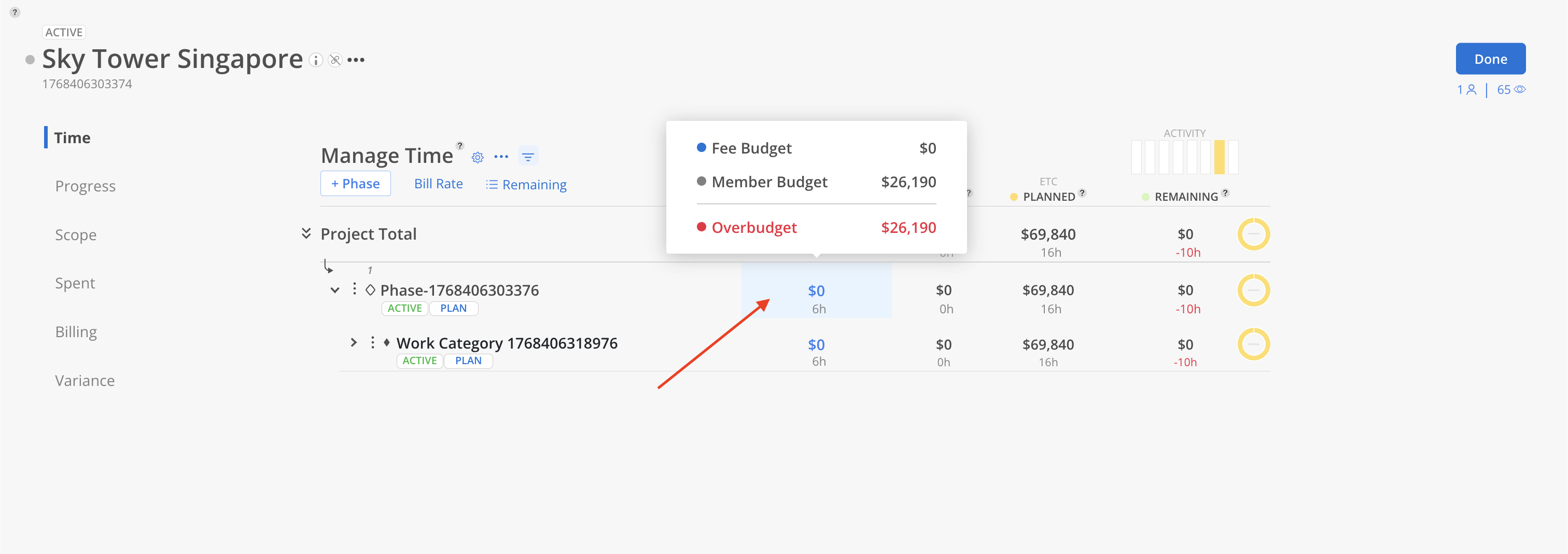
Click on the Budget cell of the phase.
On the Phase Info Modal, select the dropdown in the top right corner to select the Phase status. Available statuses are Not Started, Hold, Active, Completed. Click Save to close the modal.
 Work plans in a phase set to Hold inherit a "proposal" (tentative) budget status on the schedule bar level. Existing planned and spent costs continue to be included in budget calculations regardless of phase status.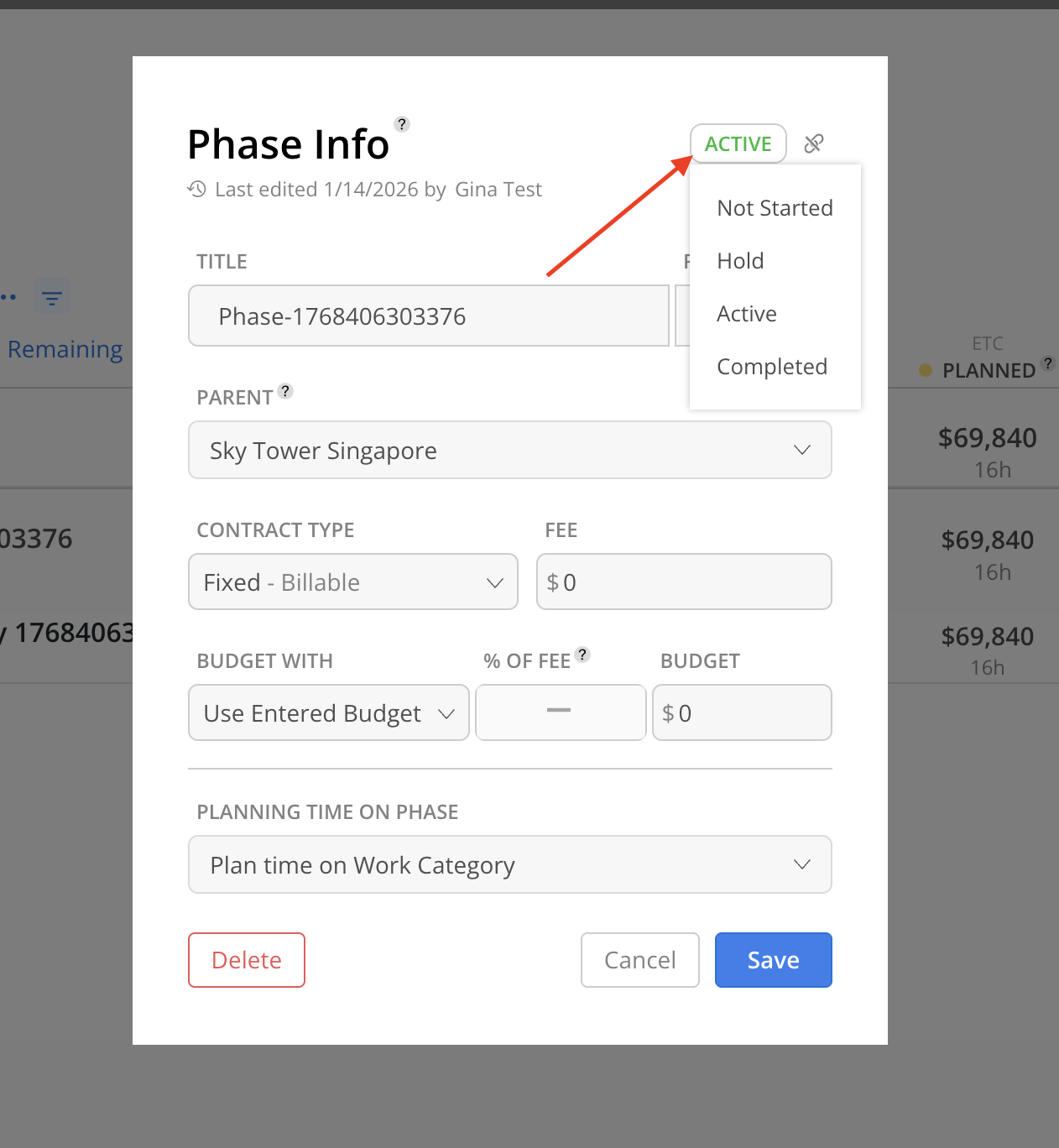
Does changing a phase to Hold or Completed remove its costs from the budget?
No. All planned and spent amounts remain in the budget totals regardless of phase status.
What actually prevents adding work plans or time entries to a phase?
Archiving a phase prevents new work plans from being created on it. Budget status alone does not block creation.
Can I change a phase status back after setting it?
Yes. Phase status can be changed at any time through the Edit Phase Info dialog. Setting a project to Completed will also update phase statuses, but they can be individually changed afterward.