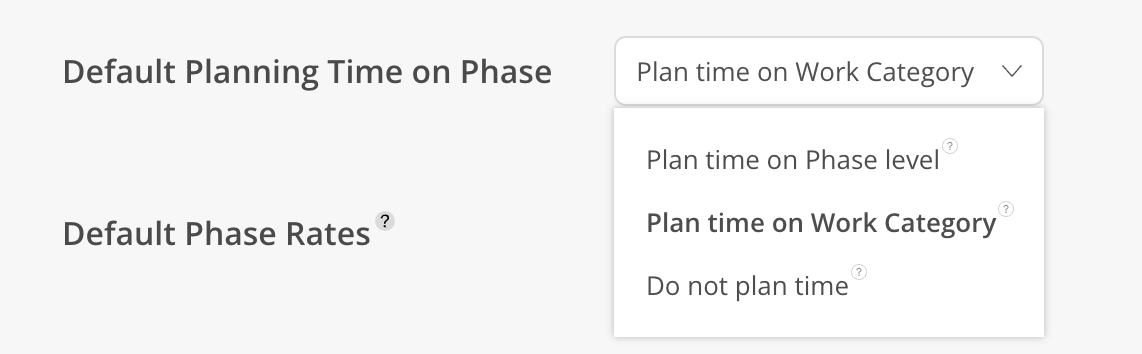
Set the default Phase time tracking on your projects, this can be on Phase level or Work Category level. If you don't want to track time, select Do not plan time option.
The options are:
Plan time on Phase level:
Track time only on Phase level, not on work categories
All timesheets and work plans will show under Phase Time category under this phase
Plan time on Work Category:
Allow creating Work Categories under each Phase and Subphase and track time on Work Categories
Do not plan time:
Do not track spent time and planned time
Do not allow entering timesheets or creating work plans.