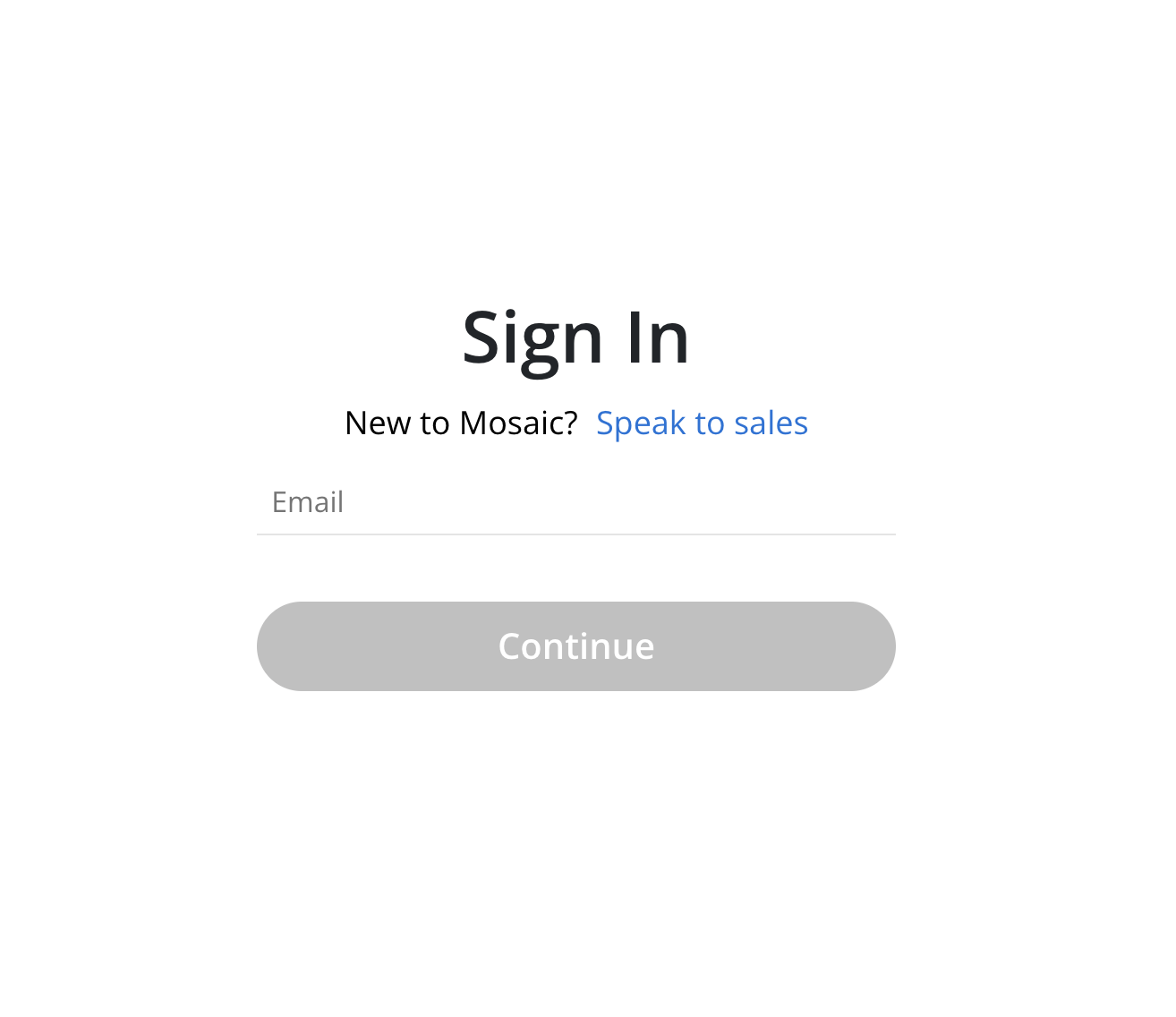
Project Guests and External Contractors typically do not have default access to Mosaic. To reset MFA method, please reach out to Customer Support for further assistance.
This method applies only to Members who have access to the Mosaic application. If a Member is unable to log in due to Multi-Factor Authentication (MFA) restrictions, Customer Support should be contacted to request an MFA reset.
To update the Multi-Factor Authentication (MFA) method or change the registered phone number, follow these steps:
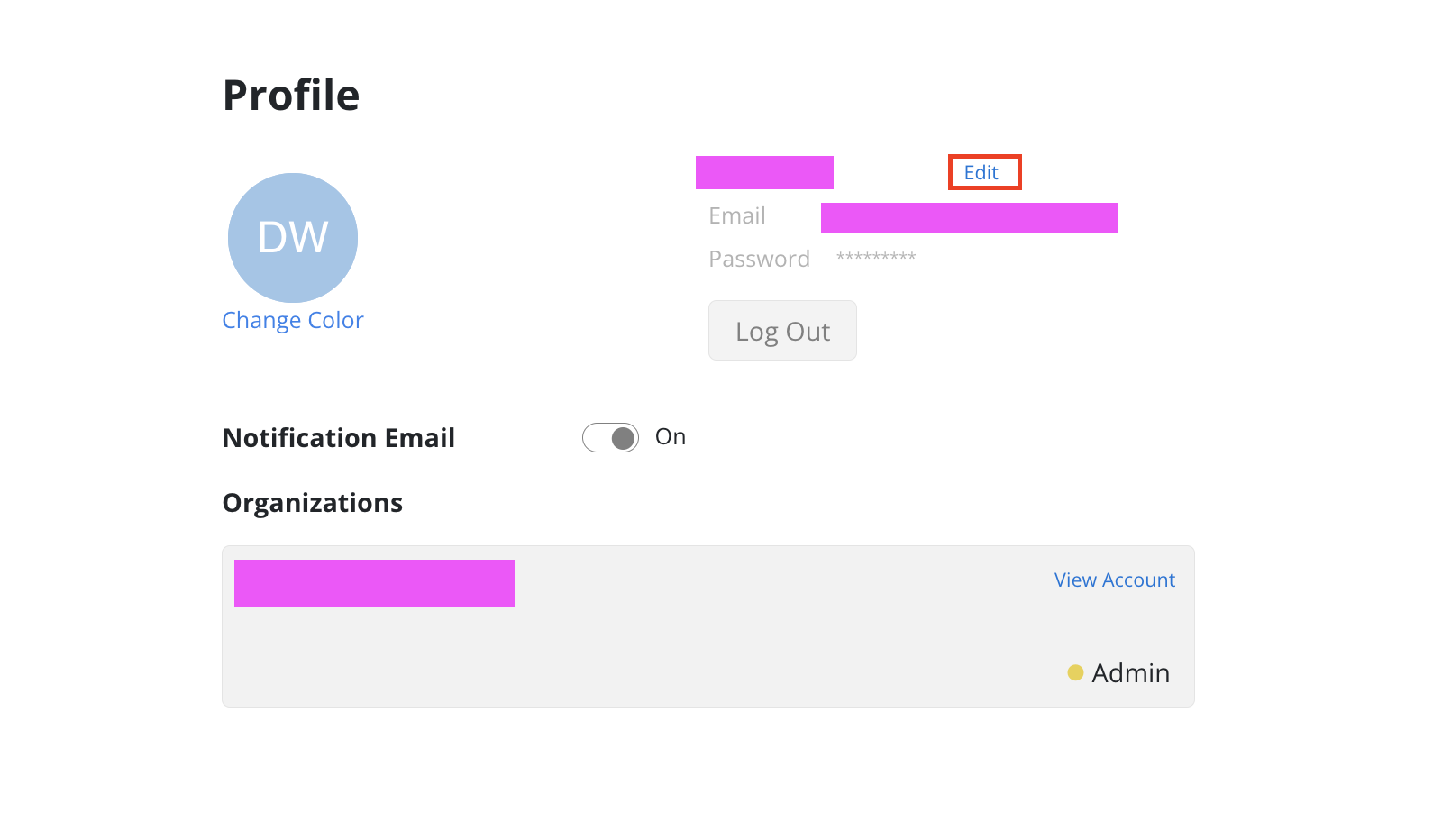
Click the Edit button next to your name.
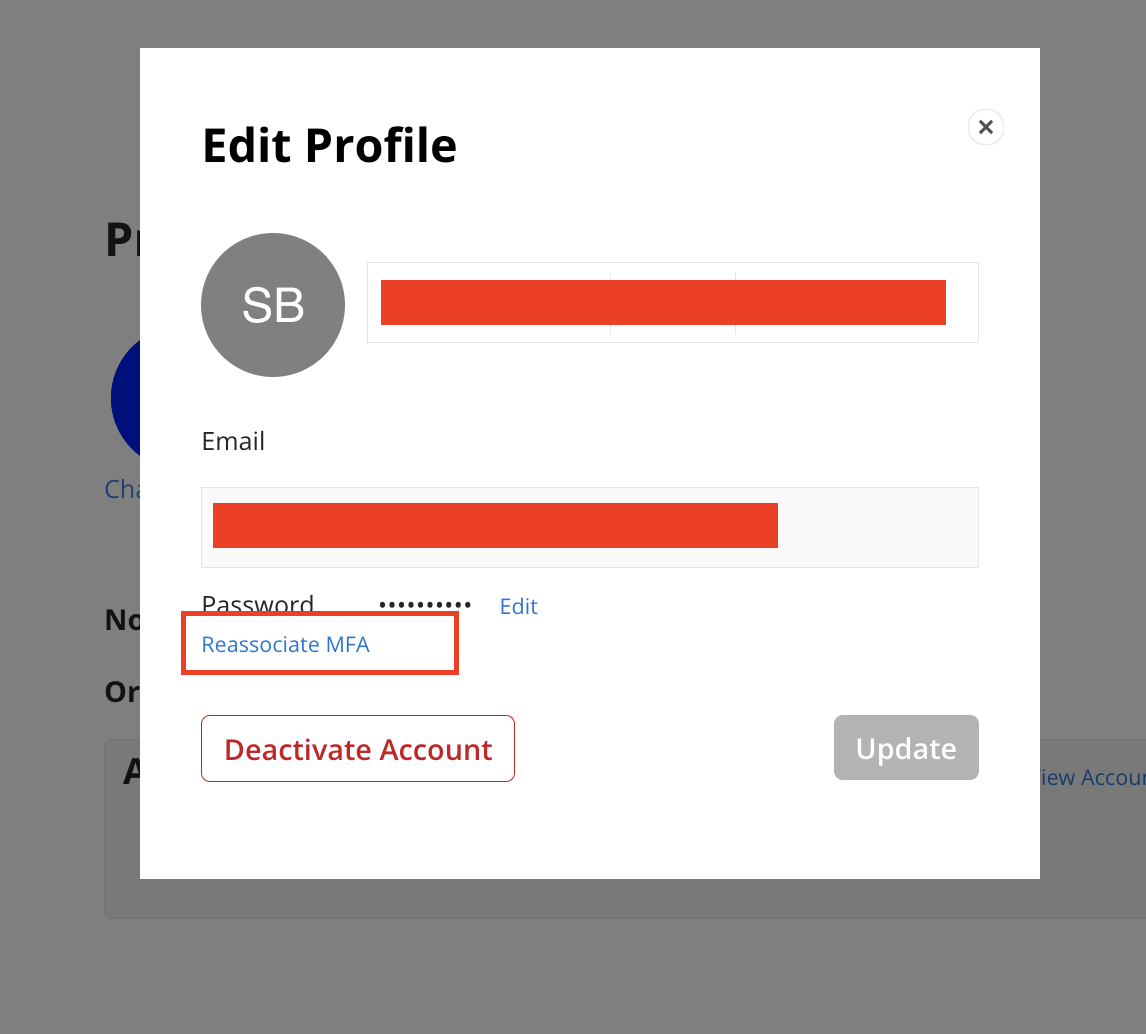
Click the Reassociate MFA button in the Edit Profile modal.
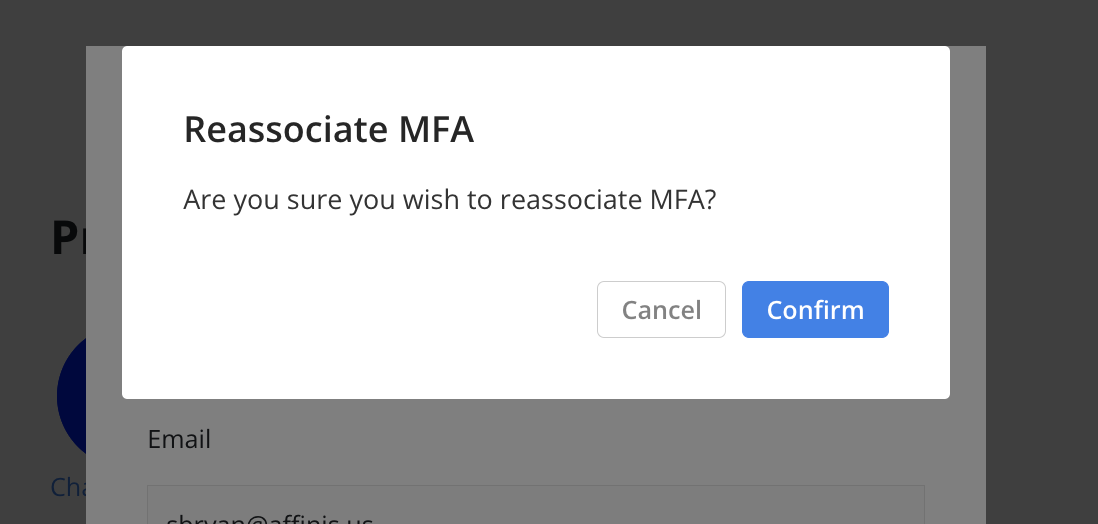
A confirmation modal opens. Click the Confirm button.
Log in again to establish a new MFA.