
The Activity Log can be accessed in the upper-right corner of the Planner and Workload Space, represented by a clock icon. Clicking it opens a side panel that displays logged actions relevant to the current Project context.
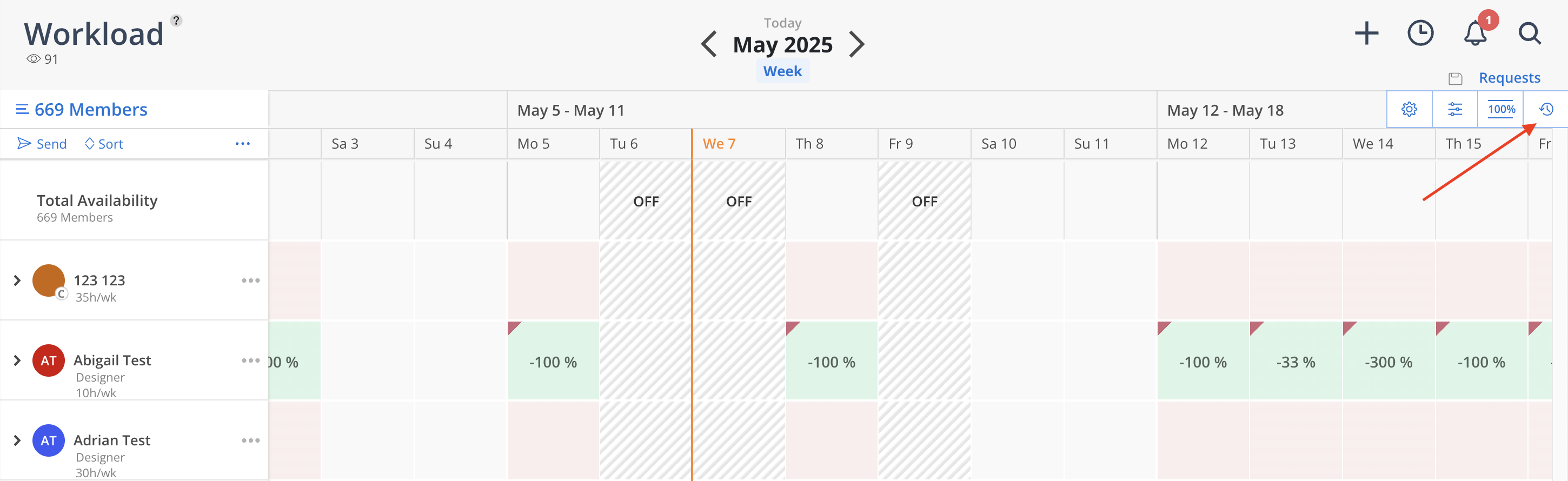
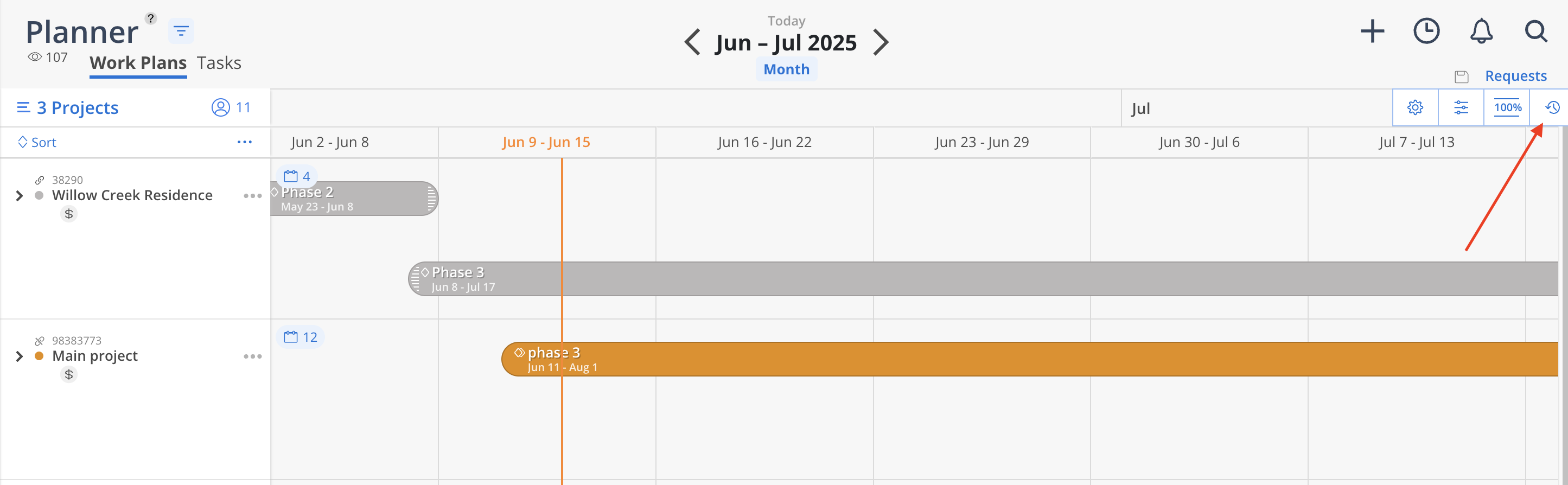
Activity Log Overview
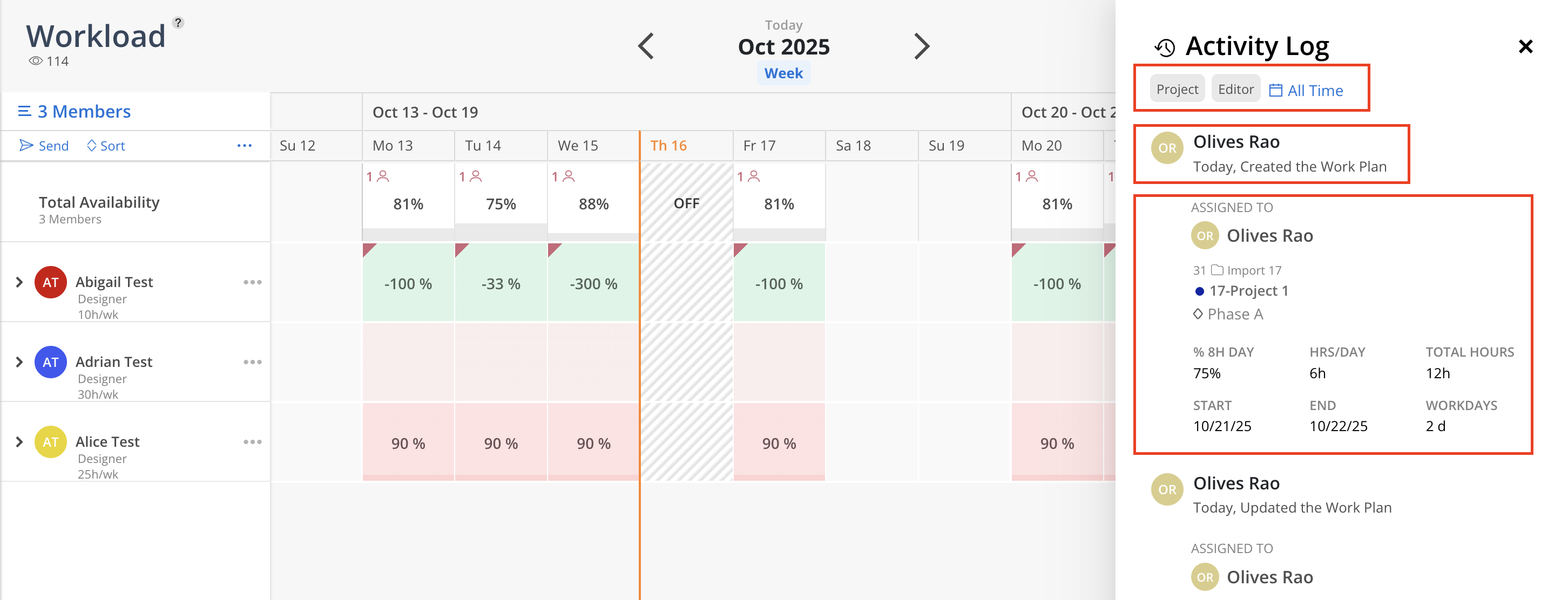
Filter by Project, Editor, and Date: Use the filters at the top of the log to narrow the view by specific Projects, Editors or Activity date, allowing focused review of activity related to a particular team member or initiative.
Action Details: For each entry, the log displays:
The Editor’s name
The timestamp of the action
The type of change made—such as Created, Updated, or Deleted
Work Plan Snapshot: Each log entry includes a summary of the Work Plan affected, showing:
The Assignee (Member)
The associated Project, Phase, and Subphase
Allocation details including:
Hours per day (Hrs/Day)
Total Hours
Start and End Dates
Workdays
Any special indicators, such as Tentative Plan status or varying daily percentages