Time Tracking
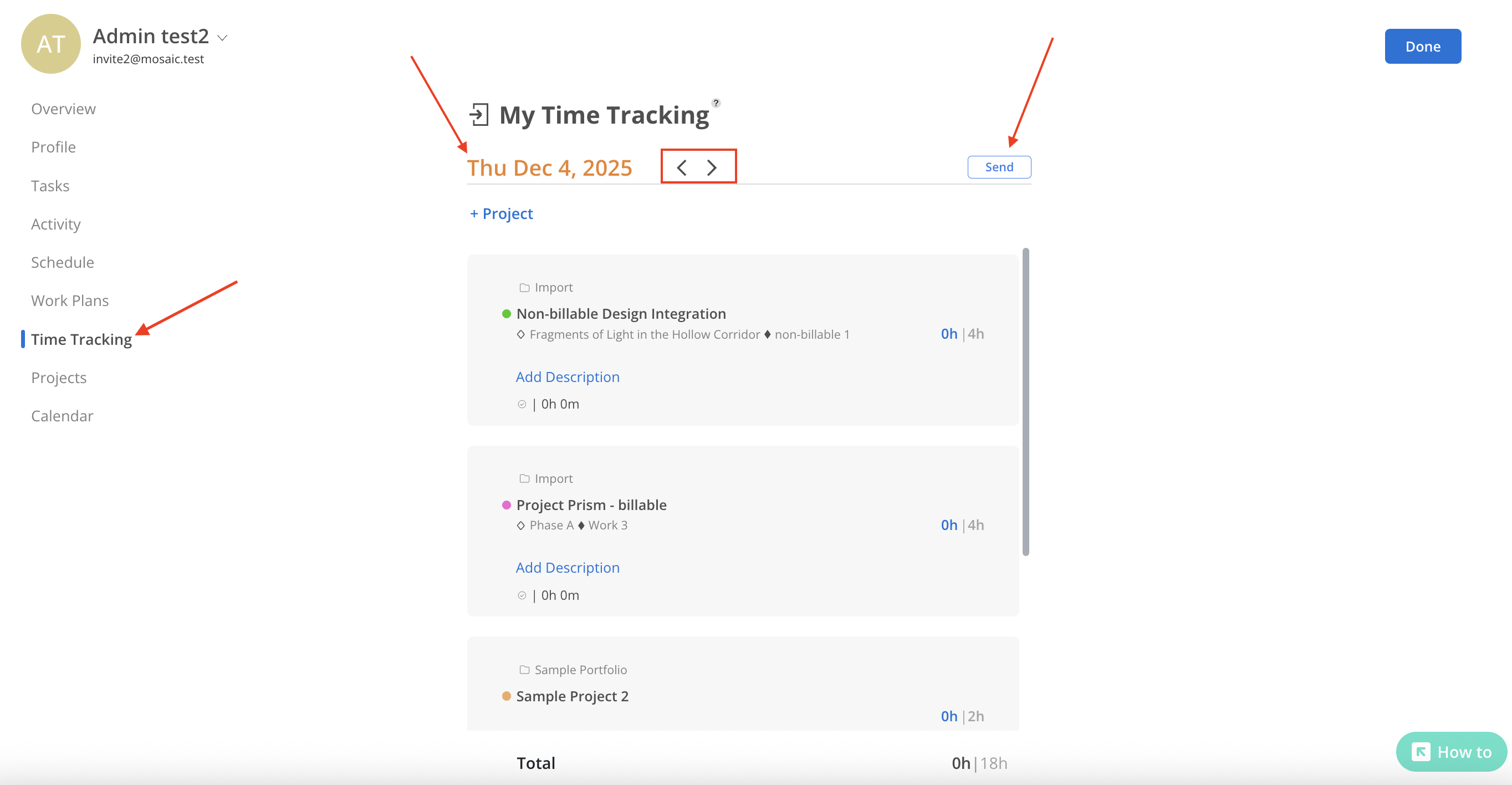
The Time Tracking tab provides an overview of member Time Trackings by day. It displays the number of hours the member is scheduled for each project, phase, and work category today, along with the total hours.

Editing member Time Trackings is not permitted in this view.
Click the left and right arrows to navigate to a different date, or click the date to select the desired date on the calendar
Click the send button to share the member’s time tracking with other organization members.