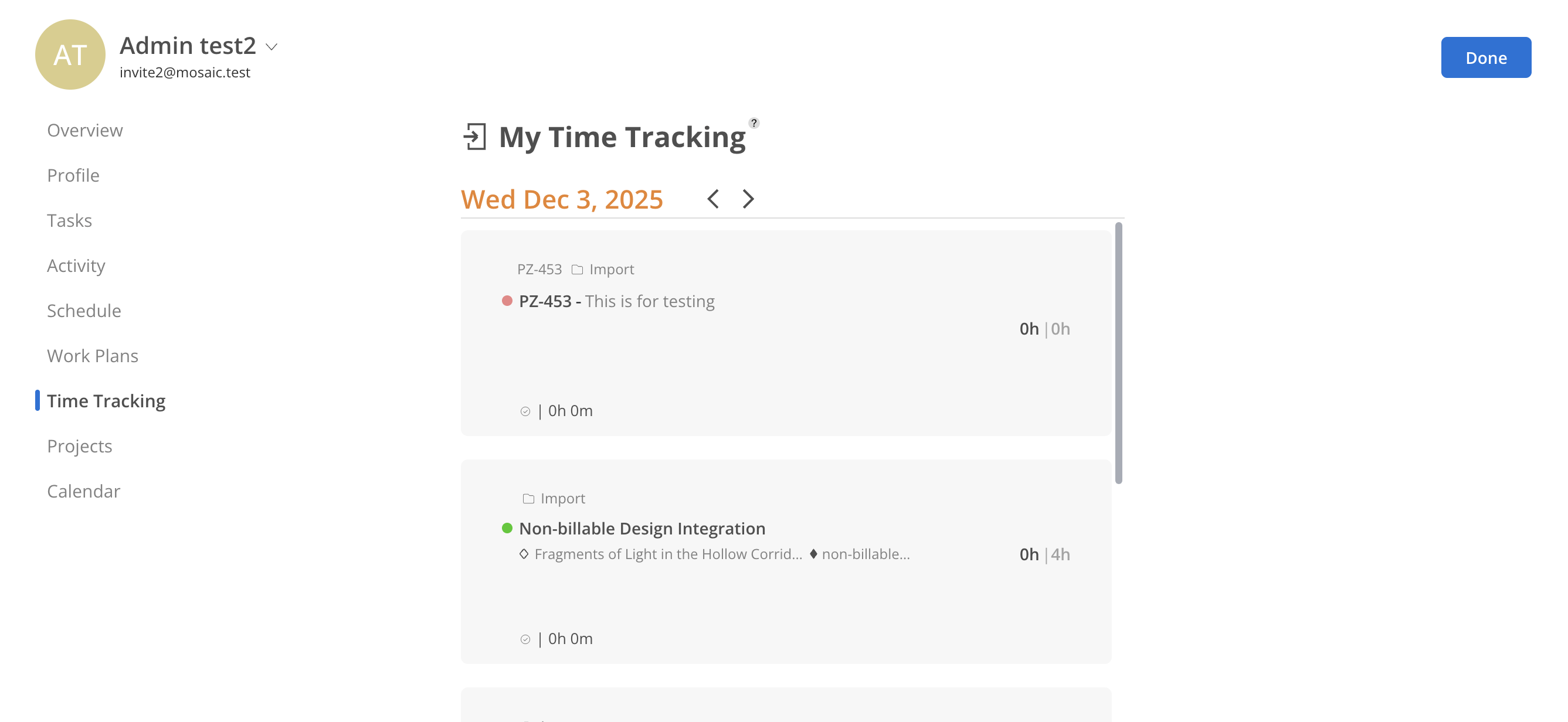
Time Tracking allow team members to share updates on daily work activities, reducing the need for daily huddles and streamlining end-of-day Time Entry. Time Tracking can be created directly from an individual Member’s Time Tracking page, enabling efficient logging of updates.
When integrated with communication platforms such as Slack or Microsoft Teams, Time Tracking are automatically shared to keep the broader team informed in real time.

Selected Members are automatically saved for future access in this Report.
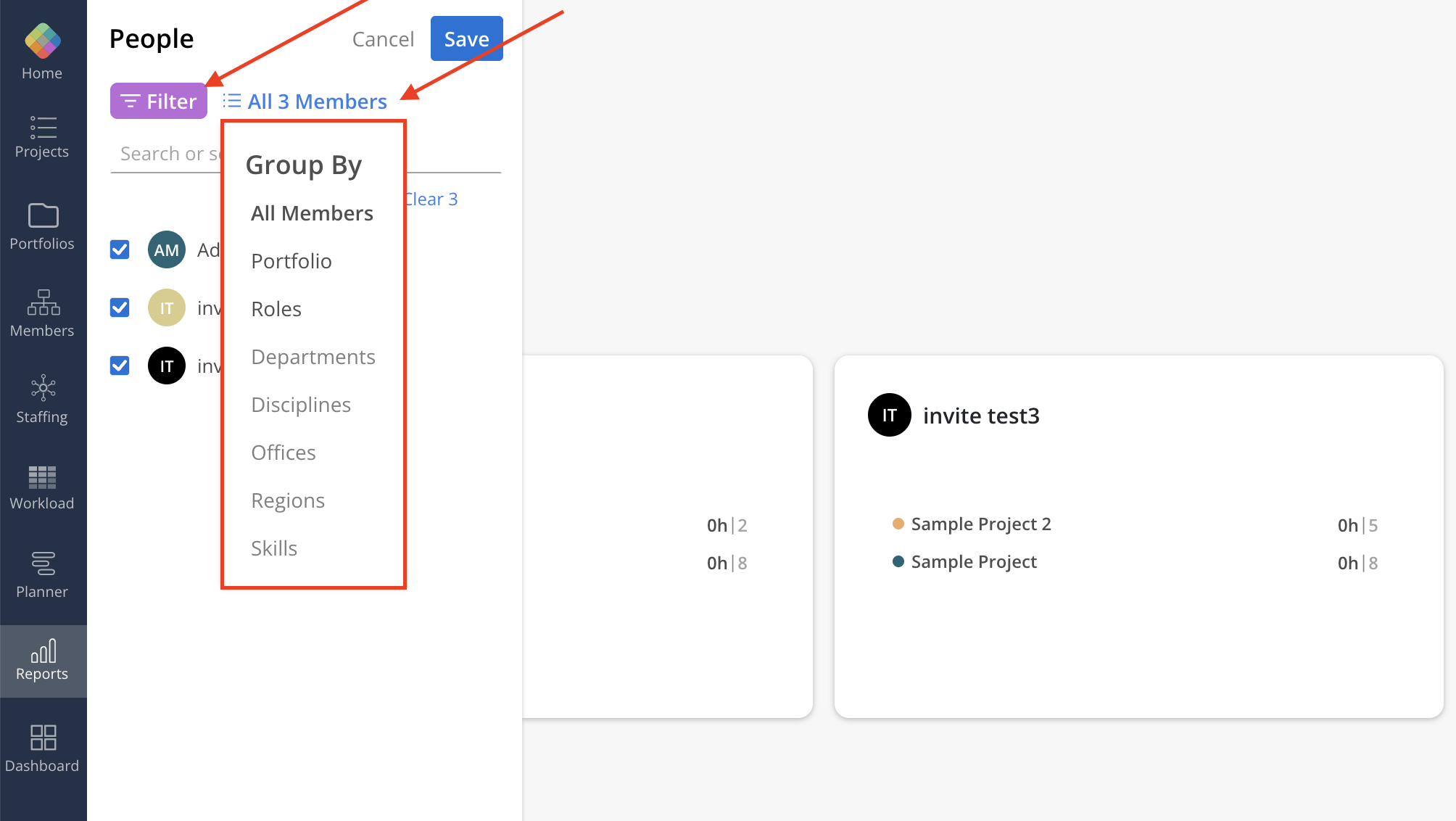
Click All Members to group Members by Department, Discipline, Office, Portfolio, Role, Region, or Skill. To narrow down the Members list, use the Filter button located in the top-left corner of the page.
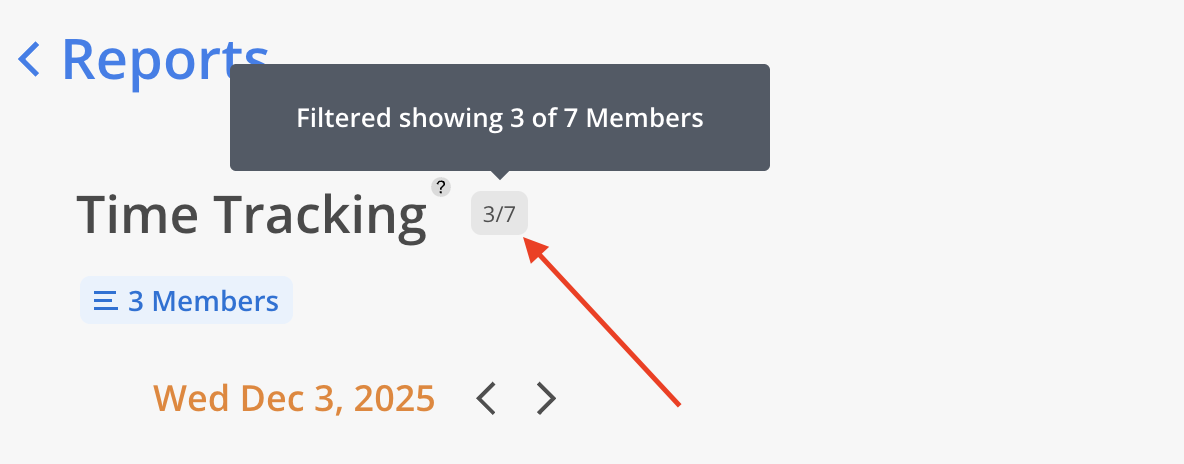
Next to the Report title, the number of filtered Members is displayed alongside the total count.
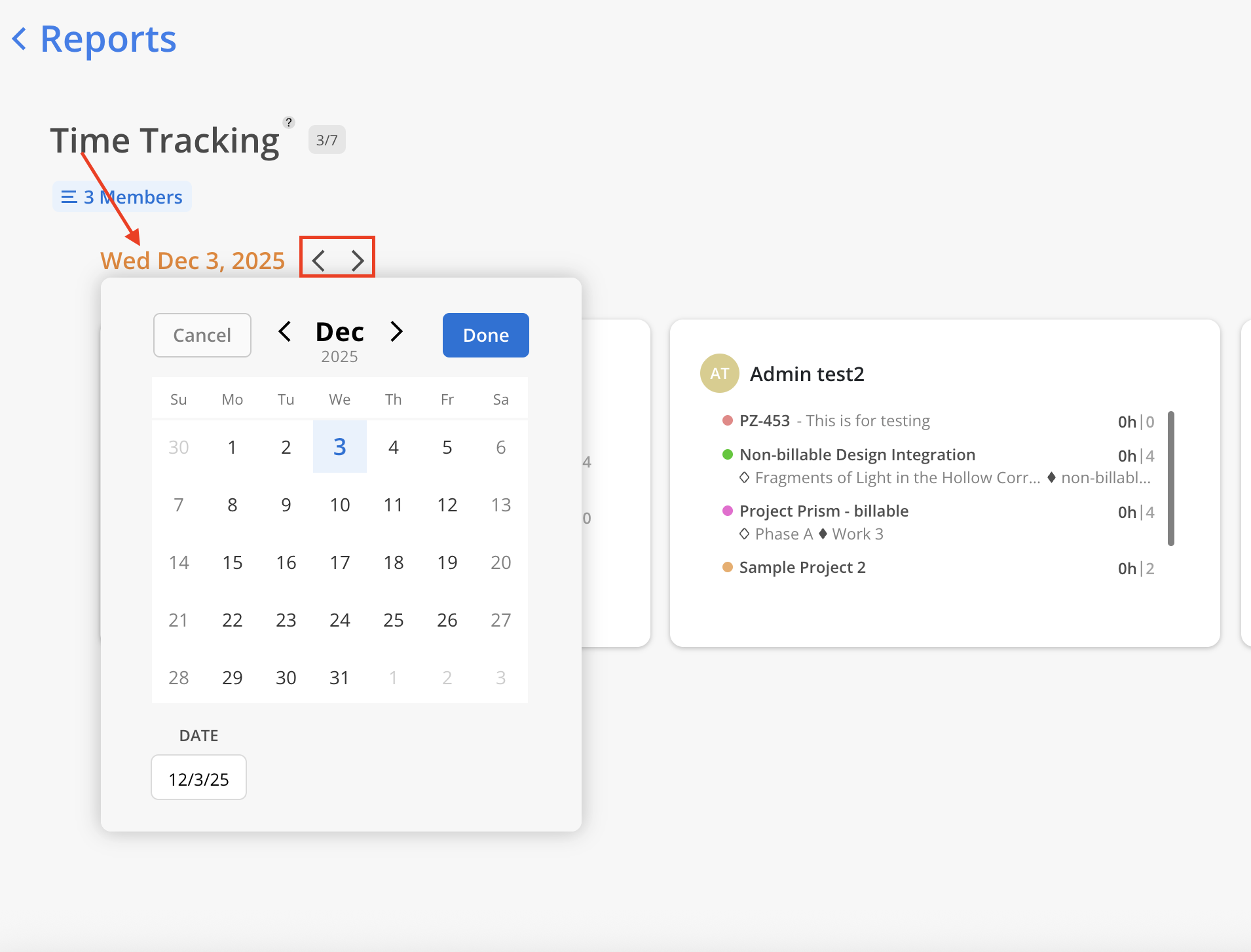
Click the arrows to navigate to a different date, or select the date button to open the date picker and choose a specific date.

Click on a members box to view their Time Tracking in more details. You are not allowed to edit member Time Tracking on this view.