What is a Rate Group?
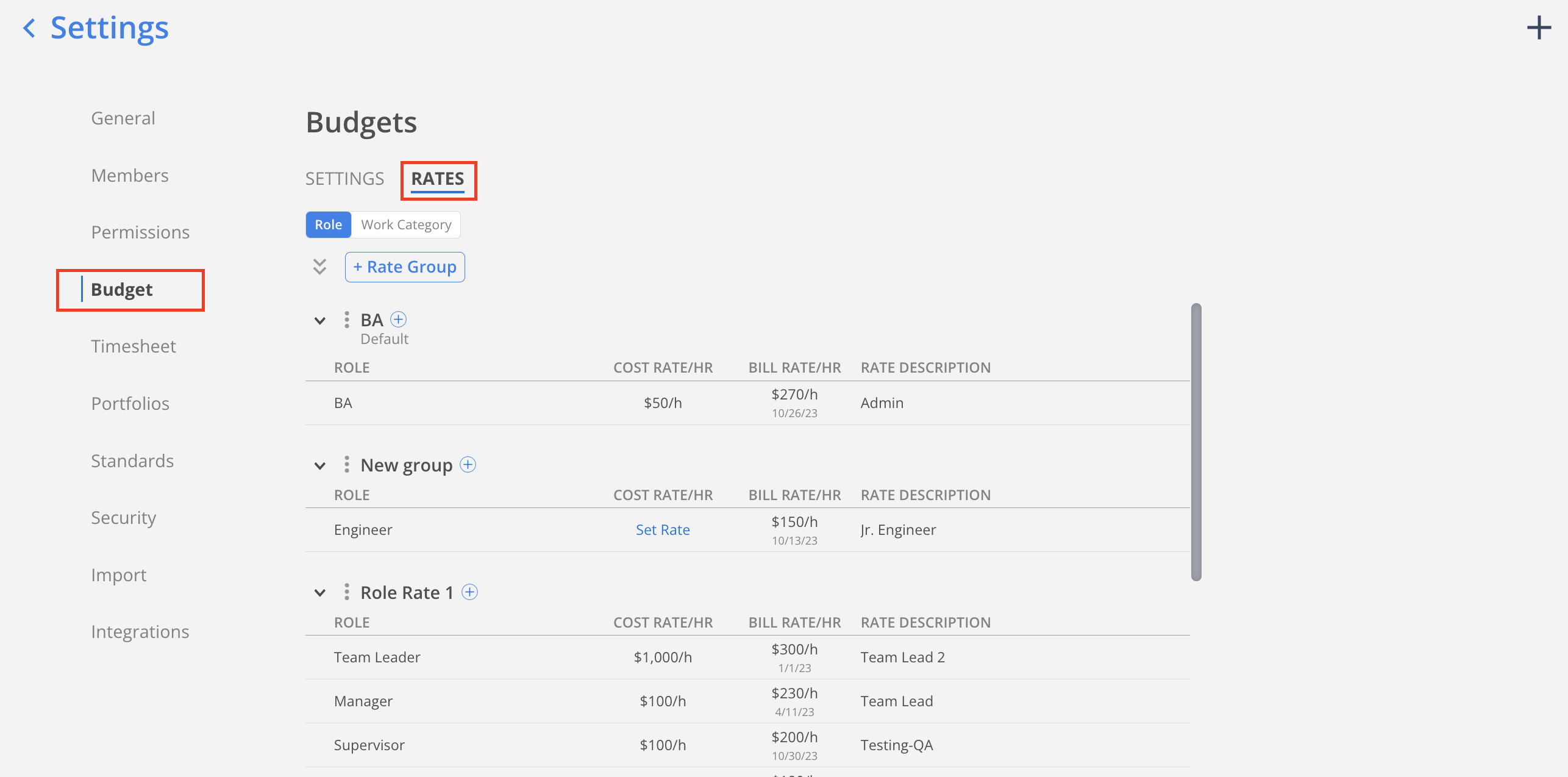
A Rate Group is a set of Rates that pairs each role with a bill rate for a set date range. Assign a role rate group to a project and anyone working in that role pulls its rate automatically, so you are not entering an individual rate for every member. Rate groups live in organization settings, under Budget, in the Rates section, and a firm can set up more than one group to cover different clients or contract types.
Where do I find the Rate Group in Mosaic?
In organization settings, go to the budget tab and click rates. You will see role rate groups listed here.
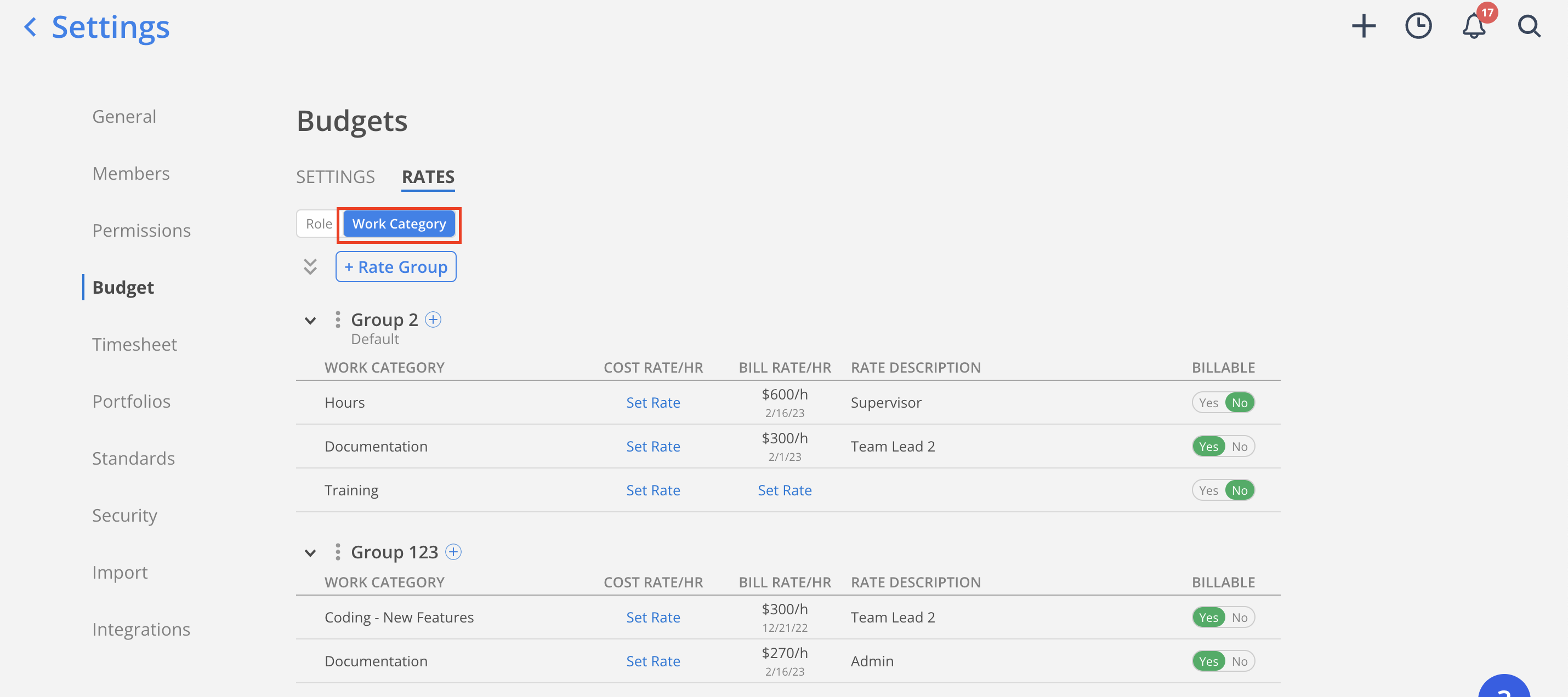
Click the work category tab to see all existing work category rate groups.