Mosaic supports importing data across multiple Spaces. Mosaic Admins can initiate imports directly through the web application once access to the import feature has been granted by a Customer Success Manager or Mosaic representative.
This feature is intended for one-time or initial data migration—ideal for importing pre-existing information into Mosaic. For ongoing or automated import needs, reach out to a Mosaic representative to explore tailored solutions.

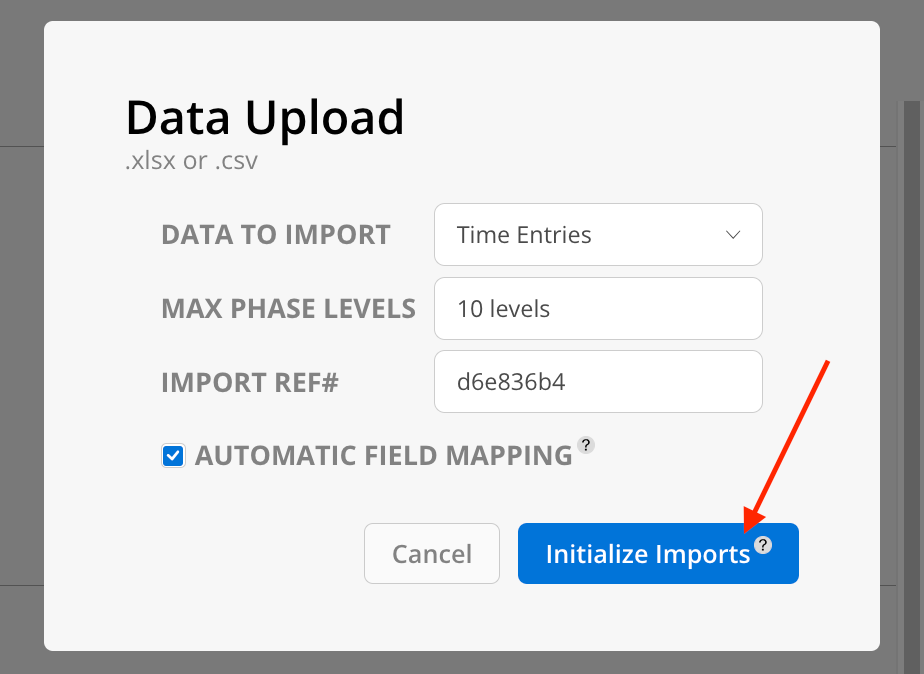
For first-time imports—especially when uploading Time Entries—the system requires initialization. This step is only needed once per workspace. When importing data through the Import Modal (available in areas like Projects, Time, or other supported spaces), the “Initialize Imports” button will appear, as shown below:
Scopes (coming soon)
